
In the hyper-competitive world of Amazon, visibility is everything. With millions of sellers vying for customer attention, simply having a great product is no longer enough. This is where Amazon Sponsored Products come in a powerful advertising tool that can catapult your listings to the top of search results and directly in front of motivated buyers. But running a successful campaign is more than just flipping a switch; it requires a deep understanding of data, strategy, and the right tools to turn clicks into conversions.
This guide is your comprehensive roadmap to mastering Amazon Sponsored Products. We'''ll break it down for three key players in the e-commerce ecosystem:
- For Shoppers: How to navigate the world of sponsored listings and make smarter purchasing decisions.
- For Sellers: How to build and optimize data-driven PPC campaigns that maximize ROI.
- For Data Analysts: How to move beyond manual dashboards and use API-driven insights for unparalleled competitive intelligence.
Part 1: For Shoppers - Decoding the "Sponsored" Badge
As a shopper, you'''ve undoubtedly seen the small "Sponsored" tag on products in your search results. But what does it really mean? In short, sellers pay Amazon to have their products featured in these prominent spots. Understanding this is key to becoming a more discerning consumer.
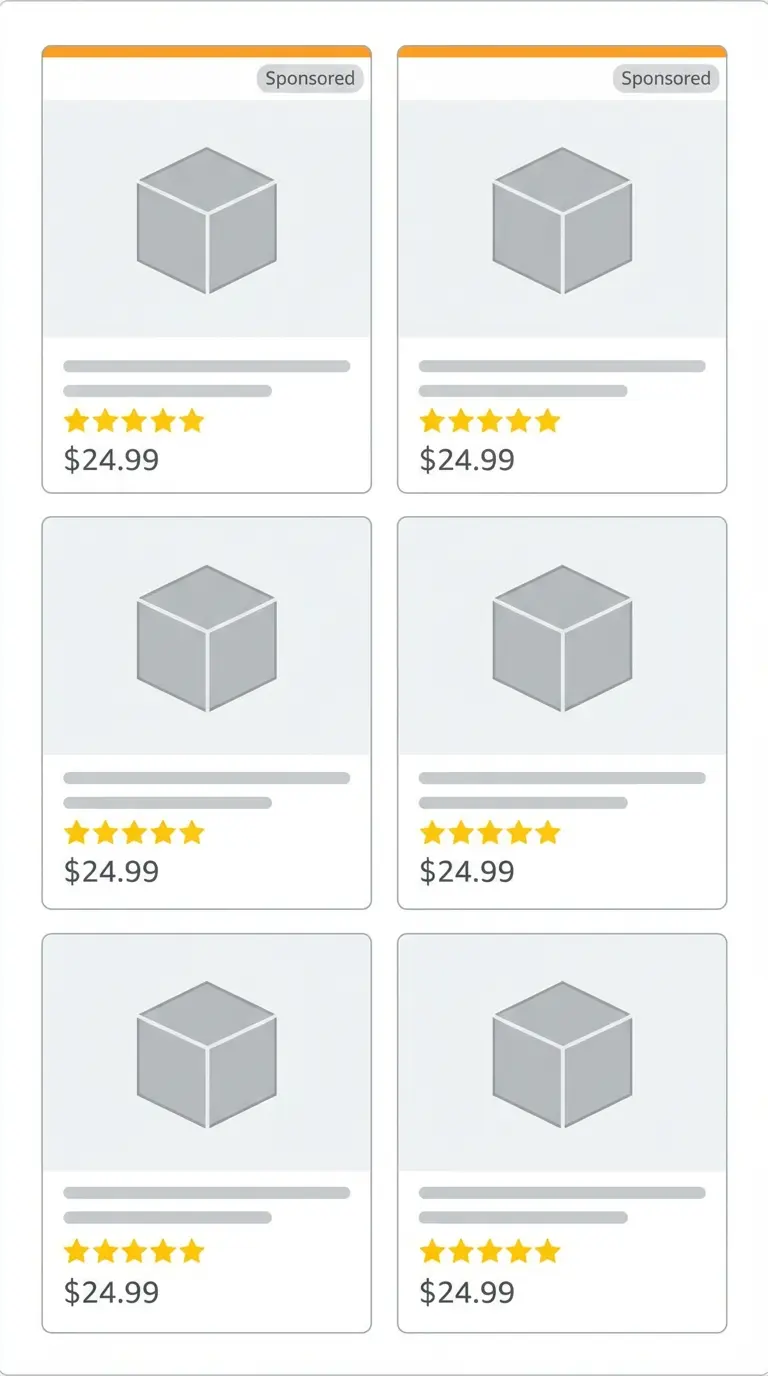
While a sponsored product isn'''t necessarily better or worse than an organic result, it'''s important to know that its top position is the result of an ad placement. This allows you to critically evaluate all options, comparing reviews, prices, and features across both sponsored and organic listings to find the best product for your needs.
Part 2: For Sellers - From Clicks to Conversions with Data-Driven PPC
For sellers, Amazon PPC is a double-edged sword. It can drive incredible growth, but without a solid strategy, it can quickly drain your budget. The secret to success lies in moving from guesswork to data-driven decisions. This means obsessing over key metrics and continuously optimizing your campaigns.
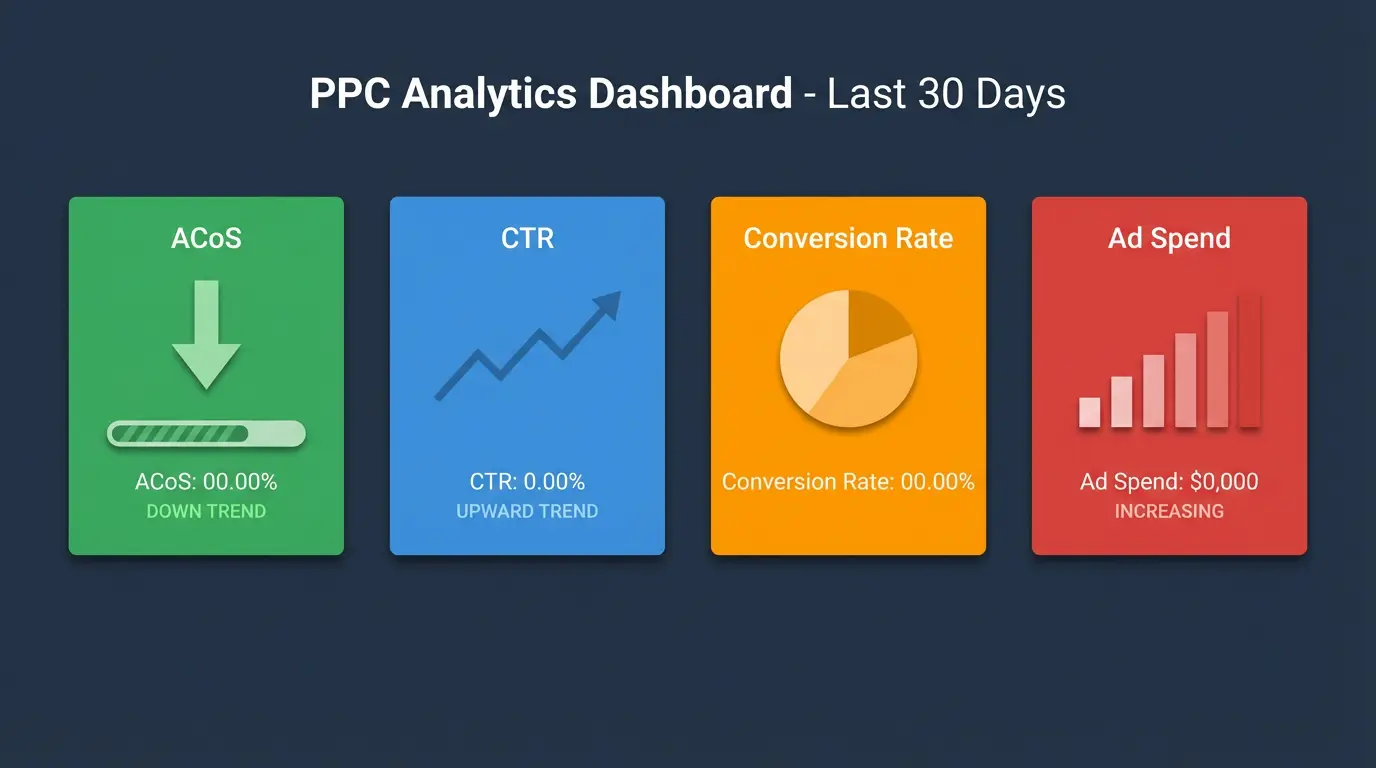
Key Metrics You Must Track:
| Metric | What It Means | Why It Matters |
|---|---|---|
| ACoS (Advertising Cost of Sales) | The percentage of your sales spent on advertising (Spend / Sales). | The primary measure of campaign profitability. A lower ACoS means higher profit margins. |
| CTR (Click-Through Rate) | The percentage of shoppers who click your ad after seeing it (Clicks / Impressions). | Indicates ad relevance. A low CTR suggests your product image, title, or price isn'''t compelling. |
| Conversion Rate (CVR) | The percentage of clicks that result in a sale. | Measures the effectiveness of your product detail page. A low CVR can signal issues with your listing. |
Optimization Strategies for 2025:
- Search Term Report Analysis: Regularly dive into your search term reports to find high-converting customer keywords and add them to your manual campaigns.
- Negative Keyword Implementation: Identify and add irrelevant search terms as negative keywords to stop wasting money on unqualified clicks.
- Bid Optimization: Increase bids on profitable keywords and decrease them on those with high ACoS to protect your margins.
Part 3: For Data Analysts - The API-First Approach to Competitive Intelligence
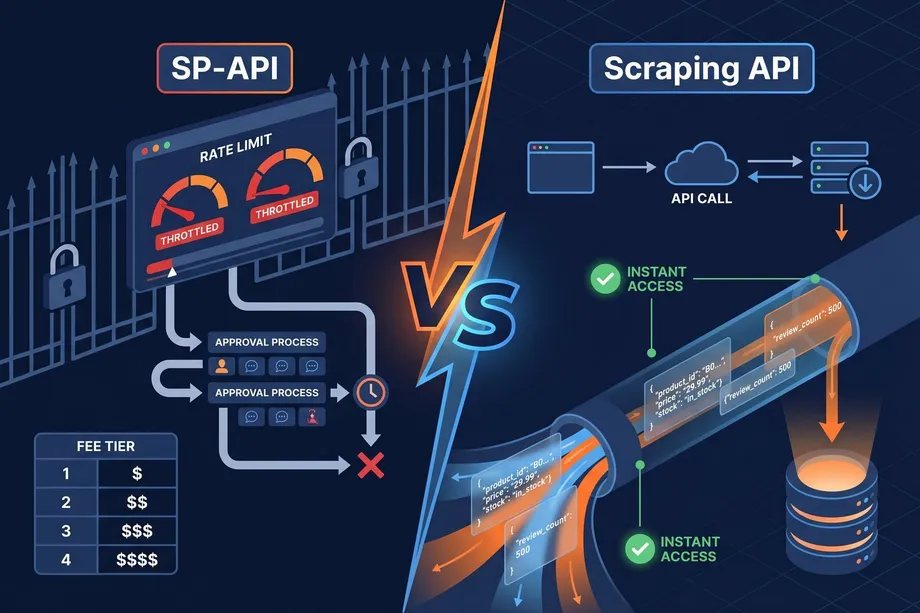
While Amazon'''s advertising dashboard provides useful data, it'''s a closed ecosystem. To gain a true competitive edge, you need to extract and analyze data at scale. Manual tracking is slow, prone to errors, and simply not feasible for monitoring thousands of products and competitors. This is where an API-first approach becomes a game-changer.
Tools like other PPC spy tools offer some insights, but they often rely on scraped, cached, or estimated data. For real-time, accurate, and scalable analysis, you need direct access to the raw data. Easyparser'''s API is built for this, allowing you to programmatically track sponsored product placements, identify competitor strategies, and integrate this data into your own analytics platforms.
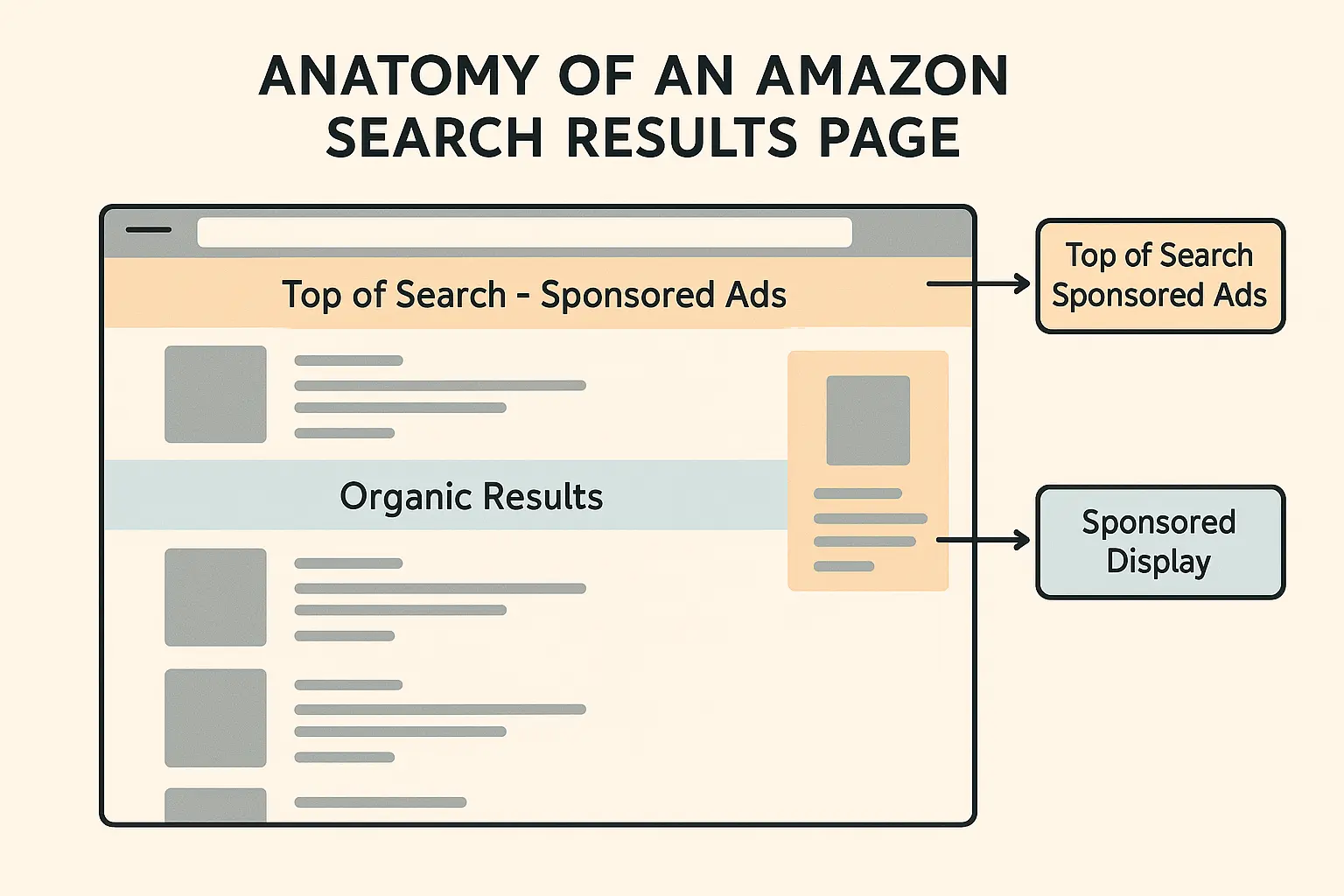
Extracting Sponsored Product Data with Easyparser
Easyparser'''s `SEARCH` operation returns a clean JSON response that includes a `sponsored_results` array, giving you direct access to the products your competitors are paying to promote for any given keyword. This allows you to answer critical questions:
- Which competitors are bidding on my top keywords?
- What is their pricing strategy for sponsored products?
- How does their ad placement change over time?
Python Example: Tracking Competitor Sponsored Products
This script demonstrates how to use the Easyparser API to search for a keyword and extract the list of sponsored products, giving you a real-time view of the competitive landscape.
import requests
import json
# Set up the request parameters for a keyword search
params = {
"api_key": "YOUR_API_KEY",
"platform": "AMZ",
"domain": ".com",
"operation": "SEARCH",
"keyword": "wireless earbuds"
}
# Execute the API request
api_result = requests.get("https://realtime.easyparser.com/v1/request", params)
response_data = api_result.json()
if response_data.get("status") == "OK":
sponsored_products = response_data.get("result", {}).get("sponsored_results", [])
print(f"Found {len(sponsored_products)} sponsored products for 'wireless earbuds':")
for product in sponsored_products:
print(f"- ASIN: {product.get('asin')}, Title: {product.get('title')}, Price: {product.get('price', {}).get('value')}")
Decoding the Amazon PPC Auction: How Bids Become Placements
When a shopper types a keyword into Amazon search, an instantaneous auction takes place in milliseconds. Understanding how this auction works gives you a decisive edge over sellers who simply set a bid and forget it. Amazon's ad placement system combines your bid amount with an ad relevance score - the platform's equivalent of Google's Quality Score - to determine where your ad appears.
The relevance score is derived from three signals: your product's historical click-through rate (CTR) for that keyword, how closely your listing's title and content match the search query, and your overall conversion rate. A highly optimized listing with a modest bid can outrank a poorly optimized listing with a higher one. This means investing in listing quality - improving your title, images, and bullet points - is a form of indirect PPC optimization that lowers your effective cost per click over time.
Amazon uses a second-price auction model: the winner pays just $0.01 more than the second-highest bidder, not their full maximum bid. There are three distinct placement tiers, each with different cost and performance economics:
- Top of Search (TOS): The premium placement above all organic results. It delivers the highest CTR and conversion rate but commands the highest CPC. Amazon allows bid modifiers of up to +900% specifically for TOS placement, enabling precise budget allocation to the most valuable position on the page.
- Rest of Search (ROS): Ads embedded within organic results. More cost-efficient with slightly lower CTR, but highly effective for exact-match and branded keyword campaigns where shopper intent is already high.
- Product Pages: Ads displayed on competitor and complementary product detail pages. Lower CTR overall, but captures shoppers in active comparison mode - excellent for conquest campaigns targeting competitor ASINs and defensive strategies protecting your own detail page.
Understanding these placement tiers and applying Amazon's placement bid modifiers strategically is one of the fastest ways to improve campaign efficiency without increasing your overall budget. Many sellers set a single bid applied uniformly - a significant missed opportunity. By setting a +50% modifier for TOS and a -20% modifier for product pages, you direct spend precisely where it converts best for your category.
Advanced ACoS Optimization Framework
ACoS (Advertising Cost of Sales) is the north-star metric for Amazon PPC, but treating it as a single universal target is one of the most common and costly mistakes sellers make. The right ACoS for your campaign depends entirely on where the product sits in its lifecycle and what your business objective is at that stage.
| Product Stage | Primary Goal | Target ACoS | Key Tactics |
|---|---|---|---|
| Launch (0–90 days) | Build sales velocity and early reviews | 50–100% (accept short-term losses) | Auto campaigns + broad match, aggressive TOS bids, maximize impressions to build BSR momentum |
| Growth (3–12 months) | Scale profitably | Break-even ACoS ±10% | Migrate top performers to exact match, pause poor performers, build negative keyword list |
| Maintenance (12+ months) | Maximize profitability | 15–25% below break-even | Aggressive negative keyword pruning, placement bid modifiers, monthly bid reviews |
To calculate your break-even ACoS, use this formula:
Break-Even ACoS = (Price – COGS – FBA Fees – Referral Fee) ÷ Price × 100
Example: A product priced at $50, with a $15 COGS, $10 FBA fee, and $3.50 referral fee has a break-even ACoS of 43%. Any campaign ACoS below 43% generates profit on ad-attributed sales. During launch, an ACoS above 43% is a deliberate investment in rank and review velocity - but it must be actively managed downward as the product matures.
The most powerful weekly optimization lever is your Search Term Report. Download it every Monday and take three actions: (1) add high-spend, zero-conversion search terms as negative keywords; (2) promote high-converting broad-match terms to exact-match campaigns for tighter control and cleaner data; and (3) scan for emerging keyword opportunities - terms with strong conversion rates you were not originally targeting.
Tracking Competitor Ad Strategies Over Time
Which products appear in the top sponsored slots for your most important keywords? The answer shifts week by week as competitors adjust bids, budgets, and campaign structures. Monitoring these changes systematically gives you an early warning system for competitive threats and a signal when rivals pull back - creating openings to capture their vacated impressions at lower cost.
Easyparser's SEARCH operation returns a sponsored_results array for any keyword, with each entry containing the ASIN, title, price, and position of every sponsored listing. By running this call daily and saving the results, you build a time-series dataset of competitor ad behavior. Look for these actionable patterns:
- New entrants: An ASIN that suddenly appears in sponsored positions for your key terms likely signals a competitor in an aggressive launch phase. Expect heavy ad pressure for 60–90 days.
- Broad coverage: A competitor ASIN appearing across 8 of your 10 tracked keywords signals a well-funded broad campaign. If their price drops simultaneously, they are actively building BSR.
- Seasonal surge: Track competitive density (unique sponsored ASINs per keyword) around Q4, Prime Day, and sale events to know exactly how much more budget you need to maintain share of voice.
- Disappearances: An ASIN dropping out of sponsored results may indicate a budget cap, inventory issue, or strategic pivot - creating an opportunity to increase your bids and capture those impressions.
Building a Competitor PPC Intelligence Dashboard
The Python script below automates competitor PPC monitoring using Easyparser. It tracks sponsored placements for 10 target keywords and saves a daily snapshot to CSV. Schedule it each morning to accumulate a longitudinal dataset that reveals competitive trends invisible to anyone relying on manual spot-checks.
import requests, csv, datetime
API_KEY = "YOUR_API_KEY"
KEYWORDS = [
"wireless earbuds", "bluetooth headphones", "noise cancelling headphones",
"workout earbuds", "true wireless earbuds", "gaming headset",
"earbuds with mic", "waterproof earbuds", "earbuds for running", "bass earbuds"
]
today = datetime.date.today().isoformat()
rows = []
for keyword in KEYWORDS:
params = {"api_key": API_KEY, "platform": "AMZ",
"domain": ".com", "operation": "SEARCH", "keyword": keyword}
resp = requests.get("https://realtime.easyparser.com/v1/request", params=params).json()
sponsored = resp.get("result", {}).get("sponsored_results", [])
for i, product in enumerate(sponsored):
rows.append({"date": today, "keyword": keyword, "position": i + 1,
"asin": product.get("asin"),
"title": product.get("title", "")[:60],
"price": product.get("price", {}).get("value")})
with open(f"sponsored_tracker_{today}.csv", "w", newline="") as f:
writer = csv.DictWriter(f, fieldnames=["date","keyword","position","asin","title","price"])
writer.writeheader()
writer.writerows(rows)
print(f"Saved {len(rows)} sponsored placements for {len(KEYWORDS)} keywords.")
With Easyparser's 98.2% success rate and 500–900ms response times, this script reliably captures a complete daily PPC landscape snapshot. At $49/month for 100,000 requests, tracking 10 keywords daily costs roughly 300 API credits per month - a fraction of the plan allowance. Load the resulting CSV files into a spreadsheet or BI tool to visualize competitor share of voice over time and identify exactly when rivals escalate or retreat from specific keyword auctions.
Start optimizing your Amazon strategy today
Start Your Free Trial100 free credits, no credit card required.