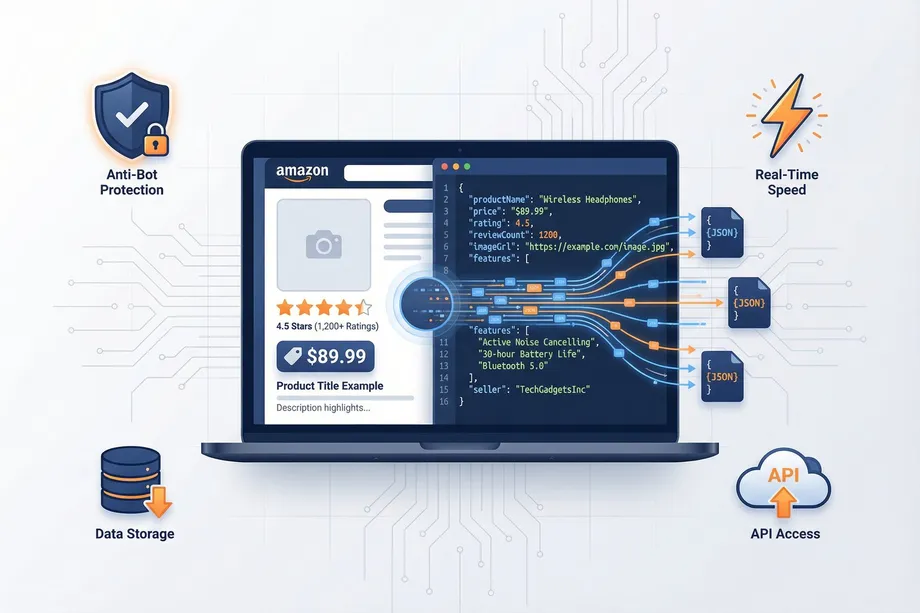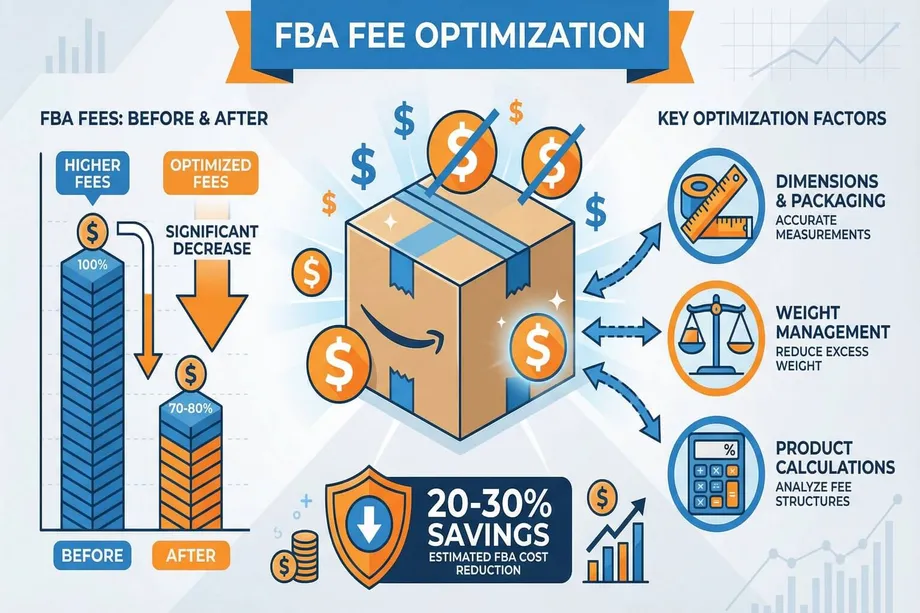
Are your Amazon FBA fees silently eating away at your profit margins? For many sellers, the complex, ever-changing fee structure feels like a black box. With the 2026 fee changes introducing even higher costs, especially for dimensional weight and inbound defects, manually tracking these expenses is no longer viable. The secret to taking back control lies in automation, specifically by using an Amazon FBA fee calculator powered by a Package Dimensions API.
This guide will provide a comprehensive walkthrough of how to build and use an automated system to audit your FBA fees, identify costly overcharges, and programmatically recover lost profits. We will cover the core concepts of FBA fees, the power of the Easyparser Package Dimensions API, and provide a practical Python script to tie it all together.
Understanding the FBA Fee Maze: Why Dimensions are Your Biggest Lever
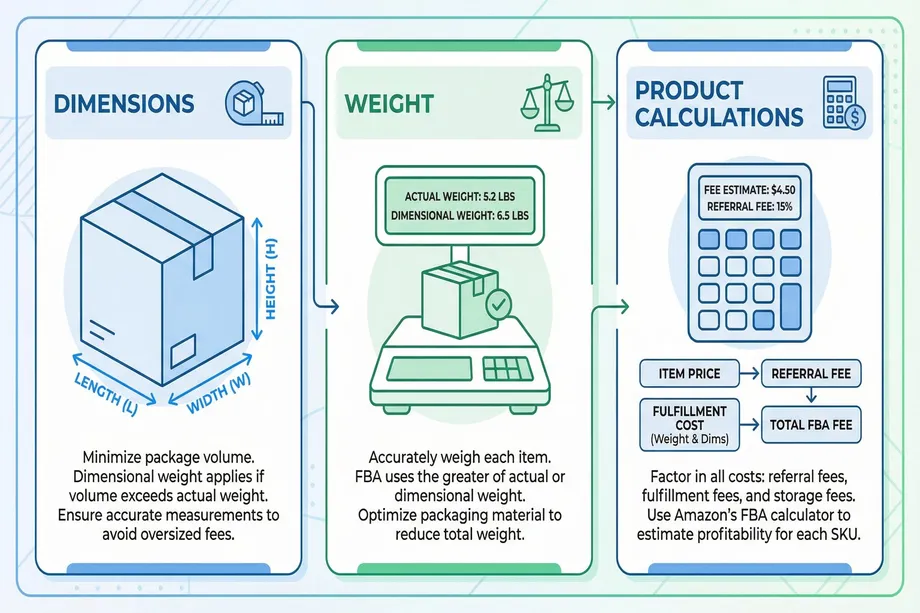
To build an effective Amazon FBA fee calculator, you first need to understand the two core concepts that govern your costs: Product Size Tiers and Dimensional Weight. Amazon's fulfillment network is a giant game of Tetris, and every inch of space matters. Their fee structure is designed to penalize inefficiency.
Product Size Tiers: A Small Step, A Giant Fee
Amazon categorizes your products into tiers based on their fully-packaged dimensions and weight. A tiny fraction of an inch can push your product into a more expensive tier, sometimes increasing your fulfillment fee by 30-50% overnight.
| Size Tier | Max Dimensions | Max Weight |
|---|---|---|
| Small Standard | 15 x 12 x 0.75 inches | 1 lb |
| Large Standard | 18 x 14 x 8 inches | 20 lbs |
| Oversize | Exceeds any Large Standard dimension | |
The Hidden Cost Multiplier: Dimensional Weight
Amazon doesn't just care about what your product weighs; it cares more about the space it occupies. This is called Dimensional Weight (DIM Weight). Amazon calculates both the actual weight and the DIM weight and charges you based on whichever is **higher**.
The formula in the US is: DIM Weight (lbs) = (Length x Width x Height in inches) / 139. Imagine shipping a 2 lb pillow in a 20x15x8 inch box. Its DIM weight is (20 * 15 * 8) / 139 = 17.27 lbs. You'll be charged for a 17.27 lb item, not a 2 lb one. This is the dimensional weight penalty, and it's a primary reason sellers overpay.
Automating Fee Audits with the Easyparser Package Dimensions API
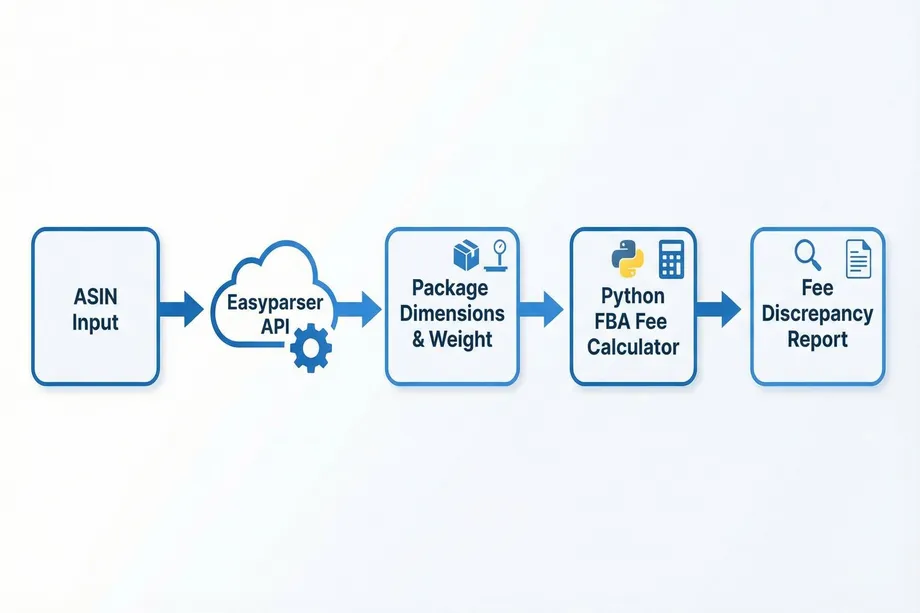
Manually checking dimensions for hundreds of ASINs is impossible. This data gap is where most sellers fail. The Easyparser Package Dimensions API provides the missing link, allowing you to pull the precise, logistics-ready package dimensions and weight directly from Amazon's data feeds. This is the foundation of a reliable Amazon FBA fee calculator.
Step 1: Retrieving Package Data for an ASIN
With a simple API call, you can get the exact dimensions and weight for any ASIN. This data is crucial for accurate fee calculation.
import requests
API_KEY = "YOUR_API_KEY" # Get your key from app.easyparser.com
ASIN = "B098FKXT8L"
params = {
"api_key": API_KEY,
"platform": "AMZ",
"operation": "PACKAGE_DIMENSION",
"asin": ASIN,
"domain": ".com"
}
response = requests.get("https://realtime.easyparser.com/v1/request", params=params)
data = response.json()
print(data.get('result', {}).get('package'))
Step 2: Building a Python-Based FBA Fee Calculator
With the data from the API, you can build a Python script to automate the entire analysis. This script will calculate the correct FBA fee based on the 2026 rates and flag discrepancies.
def calculate_fba_fee(dimensions, weight, price):
length = dimensions.get('length', 0)
width = dimensions.get('width', 0)
height = dimensions.get('height', 0)
# Calculate dimensional weight
dim_weight = (length * width * height) / 139
billable_weight = max(weight, dim_weight)
# Determine size tier and calculate fee based on 2026 rates
if billable_weight <= 1 and length <= 15 and width <= 12 and height <= 0.75:
return 3.86 # Example Small Standard fee
elif billable_weight <= 20 and length <= 18 and width <= 14 and height <= 8:
return 5.38 # Example Large Standard fee
else:
return 9.73 + (billable_weight - 2) * 0.38 # Example Oversize fee
This script turns the complex task of auditing FBA fees into a clear, actionable, and data-driven process. By running this for your entire catalog, you can create a prioritized list of your biggest optimization opportunities.
From Audit to Recovery: Reclaiming Your Lost Profits
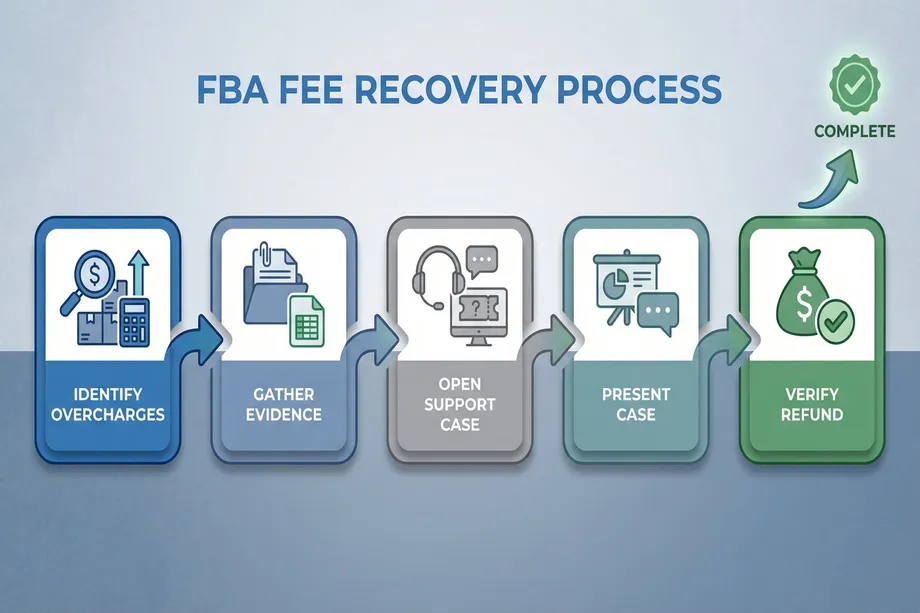
Identifying an overcharge is only half the battle. The next step is to file a reimbursement claim with Amazon. An automated Amazon FBA fee calculator provides the concrete evidence you need to build a strong case.
The Reimbursement Workflow
- Identify Discrepancies: Run your automated Amazon FBA fee calculator across your catalog to find ASINs where the calculated fee is lower than the fee Amazon is charging.
- Gather Evidence: For each flagged ASIN, prepare clear photographic evidence. Take pictures of the packaged product on a digital scale and next to a measuring tape.
- Open a Support Case: In Seller Central, navigate to Help > Get Support > Fulfillment by Amazon > FBA Fees. Create a case for incorrect weight or dimensions.
- Present Your Case: Clearly state the ASIN, the date range affected, Amazon's recorded measurements, and your verified measurements. Attach your photographic evidence.
- Monitor and Verify: Track the case and respond quickly to any follow-up questions. Once approved, verify that you have received the reimbursement and that the future fee tier for the ASIN has been corrected.
Conclusion: Take Control of Your FBA Profitability
In the competitive Amazon marketplace, you can't afford to let hidden fees erode your profits. By implementing an automated Amazon FBA fee calculator using the Easyparser Package Dimensions API, you transform fee management from a reactive headache into a proactive, data-driven strategy. You gain the power to not only identify and recover overcharges but also to optimize packaging, improve logistics, and make more profitable sourcing decisions. Stop guessing and start calculating. The tools are available it's time to take control.
Ready to Stop Overpaying FBA Fees?
Get the package dimension data you need to unlock 20-30% savings. Try the Easyparser Rank & Dimension API and see for yourself.
Try Easyparser FreeStart building with the Easyparser API today
Start Your Free Trial100 free credits, no credit card required.