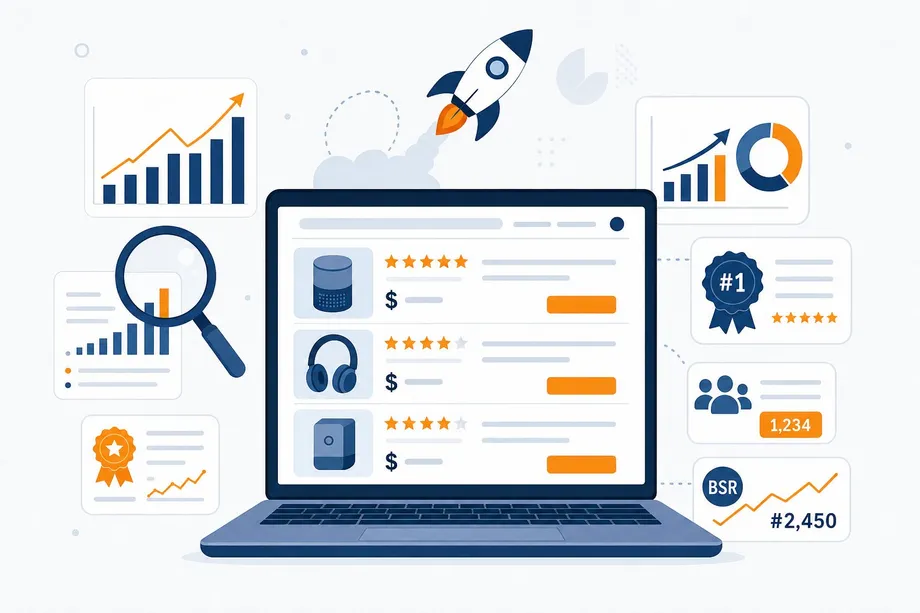
Launching a new product on Amazon is a high-stakes game. With over 600 million products on the platform and an estimated 60-70% of new launches failing within the first year, a data-driven strategy is no longer optional - it's essential for survival. A successful amazon product launch hinges on one critical element: a deep, actionable understanding of your competitive landscape before you invest a single dollar in inventory or PPC.
Quick Answer: How to Research an Amazon Product in 2026
Start by validating market demand, then compare Best Sellers Rank (BSR), review count, pricing, and seller competition across the products already winning the search results. For the query Amazon product research 2026 market analysis BSR review count, the practical answer is to combine market-level signals with product-level metrics, then use automation or APIs when you need repeatable data at scale.
This guide provides a practical competitive analysis framework designed to de-risk your market entry. It keeps the research steps broad enough for any seller: market analysis, BSR review, competition benchmarking, and tool selection. Where automation is useful, we show how the Easyparser API can collect the same data programmatically so teams can repeat the workflow at scale. This is the blueprint for making informed decisions and positioning your product for a successful amazon product launch.
Section 1: The High Cost of Guesswork in an Amazon Product Launch
The first 30-45 days of a product's life on Amazon, known as the "honeymoon period," are critical. During this window, Amazon's A10 algorithm gives new products a temporary visibility boost to see how they perform. Strong initial sales velocity, high conversion rates, and positive reviews signal to Amazon that your product is relevant, leading to better organic ranking. A weak launch, however, tells the algorithm your product isn't a good fit, and recovering from that initial stumble is incredibly difficult and expensive. With the average launch investment ranging from $8,000 to $15,000, a failed launch is a significant financial blow. A robust competitive analysis framework is your insurance policy against this risk.
Section 2: Amazon Product Research Framework for 2026
To build a winning launch strategy, you need a multi-layered view of the market. This framework groups the work into four research areas: demand signals, BSR analysis, review-count competition, and the tools needed to repeat the process. This is not just about looking at top sellers; it's about understanding the dynamics of the entire niche.
Step 1: Market Analysis & Demand Signals
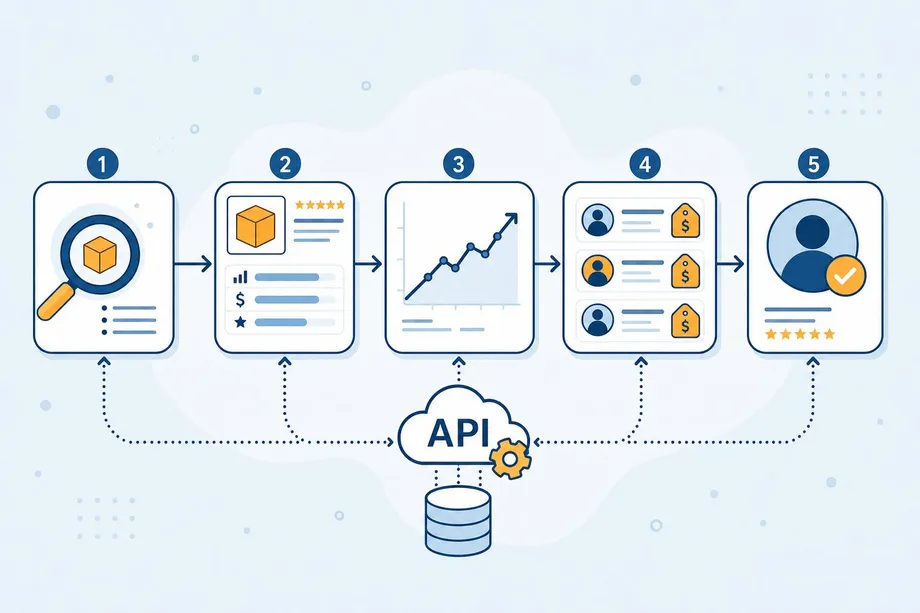
The first step is to identify your true competitors and confirm that the keyword has enough buyer demand. Start with the products already ranking for your main search term, then look at category patterns, pricing bands, review density, and visible demand indicators. Easyparser can automate this research by pulling the top search results for a keyword, giving you an unbiased view of who currently dominates the market.
import requests
API_KEY = "YOUR_API_KEY" # Get your key from app.easyparser.com
BASE_URL = "https://realtime.easyparser.com/v1/request"
def get_top_competitors(keyword, pages=1):
params = {
"api_key": API_KEY,
"platform": "AMZ",
"operation": "SEARCH",
"keyword": keyword,
"max_page": pages
}
response = requests.get(BASE_URL, params=params)
data = response.json()
return [p["asin"] for p in data.get("result", {}).get("products", [])]
competitor_asins = get_top_competitors("eco-friendly yoga mat")
print(f"Found {len(competitor_asins)} competitor ASINs.")
Step 2: Best Sellers Rank (BSR) Analysis
With a list of competitor ASINs, you can now benchmark how products perform inside their categories. BSR (Best Sellers Rank), price, review count, and average rating help you understand whether a product is consistently selling or only temporarily visible. Easyparser's product detail data can collect these fields by ASIN, making BSR analysis easier to compare across multiple competitors.
def get_product_details(asin):
params = {
"api_key": API_KEY,
"platform": "AMZ",
"operation": "DETAIL",
"asin": asin
}
response = requests.get(BASE_URL, params=params)
return response.json()
for asin in competitor_asins:
details = get_product_details(asin)
product = details.get("result", {}).get("product", {})
print(f"{product.get('asin')}: Price ${product.get('price')}, BSR {product.get('best_seller_rank')}")
Step 3: Review Count & Competition
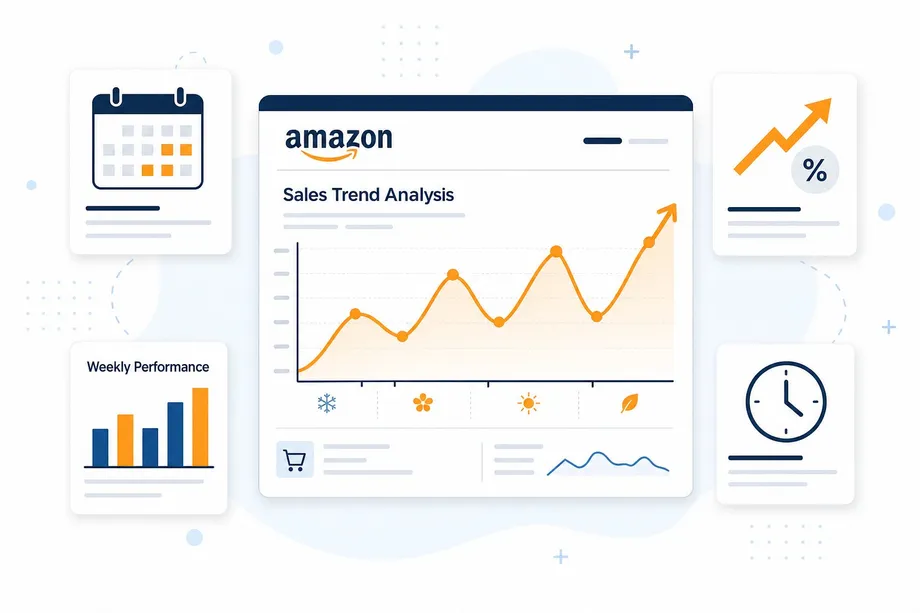
This is where you separate attractive demand from markets that are too difficult to enter. Review count, rating quality, seller count, price pressure, and historical sales trends all show how hard it will be to win trust and visibility. Most tools only show current BSR, which is a snapshot in time; Easyparser can also provide historical weekly sales data so you can identify seasonality, upward or downward trends, and a competitor's true sales velocity.
def get_sales_history(asin):
params = {
"api_key": API_KEY,
"platform": "AMZ",
"operation": "SALES_ANALYSIS",
"asin": asin,
"history_range": 12
}
response = requests.get(BASE_URL, params=params)
return response.json()
# Example for one ASIN
history_data = get_sales_history(competitor_asins[0])
print(history_data.get("result", {}).get("history", []))
Step 4: Recommended Research Tools
Finally, choose tools that match the depth and repeatability of your research. Manual review can work for a small niche, but automated data collection is better when you need to compare many ASINs, keywords, sellers, and marketplaces. Easyparser can support this workflow with search results, product detail, offer, seller profile, and sales analysis data, helping you understand Buy Box competition, fulfillment methods, seller ratings, seller background, and historical demand without rebuilding a scraper from scratch.
Section 3: From Data to Decisions: Building Your Launch Plan
With the data collected from the research framework, you can now build a strategic launch plan. This involves scoring the market opportunity, calculating competitive intensity, and defining your pricing and differentiation strategy.
Market Opportunity Scoring
Create a simple scoring model to objectively evaluate the niche. This helps remove emotion from the decision-making process.
| Metric | Weight | How to Measure |
|---|---|---|
| Demand Score | 30% | BSR, sales velocity, and market demand signals |
| Competition Score | 25% | Number of sellers, review counts, ratings, and price pressure |
| Profitability Score | 25% | Average price point, fees, fulfillment method, and estimated margins |
| Trend & Seasonality | 20% | Historical sales trend and seasonal demand patterns |
Launch Checklist & Timeline
A successful amazon product launch is a well-orchestrated project. Use this timeline as a guide.
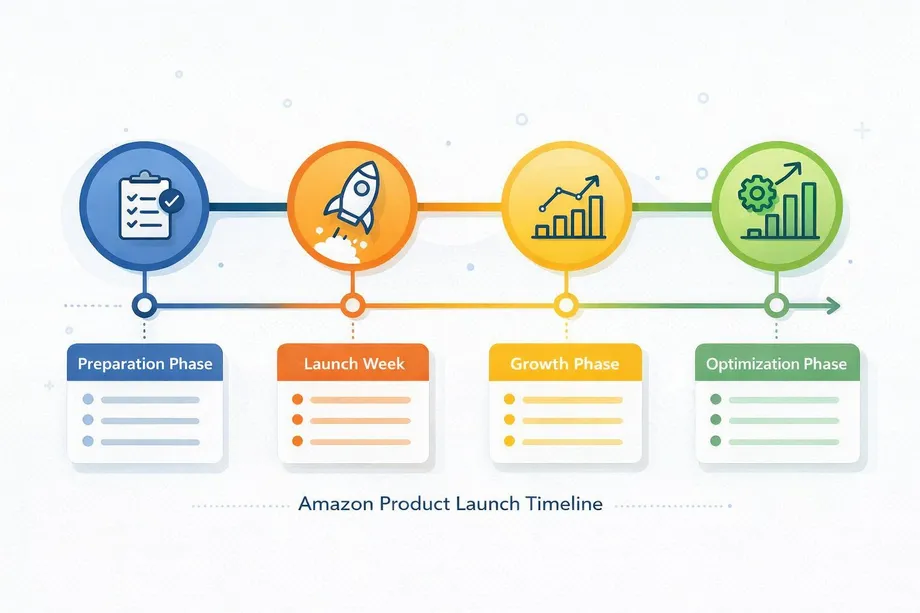
- Pre-Launch (Days -60 to -1): Finalize product, conduct competitive analysis, optimize listing (titles, bullets, images, A+ Content), enroll in Vine for initial reviews, and prepare initial inventory.
- Launch Week 1 (Days 1-7): Go live. Start initial PPC campaigns (auto and keyword-targeted). Monitor sessions and conversion rates closely.
- Launch Weeks 2-4 (Days 8-30): Ramp up PPC spend based on performance. Aim for consistent daily sales to build sales velocity. Gather and respond to initial customer reviews.
- Post-Launch (Days 31-90): Analyze PPC data to optimize campaigns. Monitor organic keyword ranking. Plan for inventory replenishment based on sales velocity.
Conclusion: Launch with Confidence
By replacing assumptions with data, you transform a risky amazon product launch into a calculated business strategy. The research framework provides a repeatable, scalable process to analyze any niche on Amazon. Leveraging unique data points like historical sales trends gives you a significant competitive advantage. The insights you gain will not only inform your launch but will also guide your pricing, marketing, and inventory decisions long after the honeymoon period is over.
Start scaling your e-commerce business today
Start Your Free Trial100 free credits, no credit card required.