When an ASIN flips from unavailable to purchasable, a seller may need to restart a campaign, a brand team may need to investigate an unexpected offer, and a buyer may finally be able to place an order. Manual refreshes are too slow and create no audit trail. An amazon stock alert api workflow turns those recurring checks into structured snapshots, explicit rules, and focused messages that people can act on.
The practical goal is not to promise a perfect count of units in an Amazon warehouse. Public-facing availability can change for many reasons, including fulfillment eligibility, marketplace conditions, delivery location, seller activity, and listing state. The useful signal is a change in the observed state: available or unavailable, a newly active offer, a different Buy Box winner, a suppressed Buy Box, or a changed delivery context. This guide shows how to collect those signals, compare them safely, and notify the right team without flooding their inbox.
What Is an Amazon Stock Alert API?
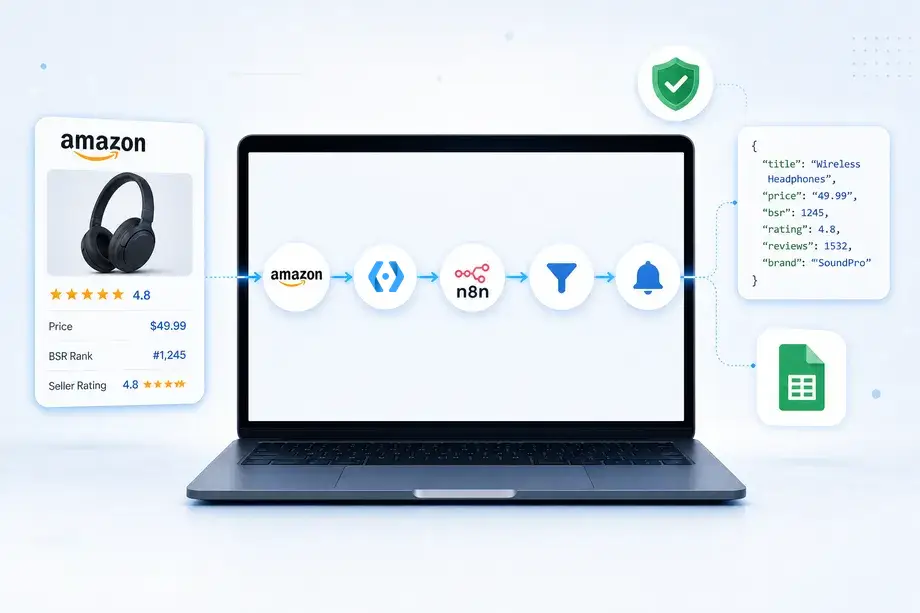
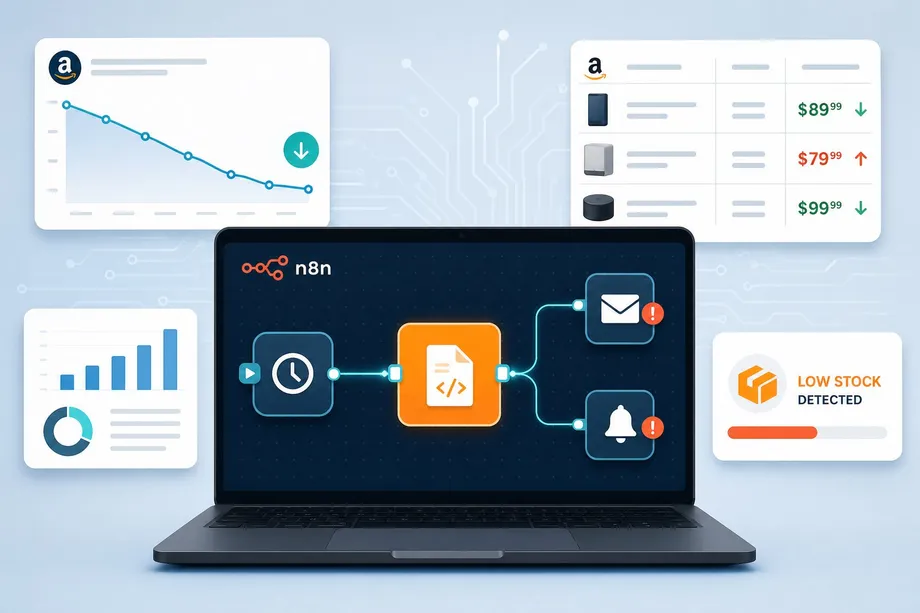
An amazon stock alert api is best understood as a monitoring system rather than a single request. It combines an ASIN list, a scheduled data request, durable storage for the last observed state, comparison logic, and a delivery channel such as email, Slack, or a webhook. The endpoint provides the current observation; the alert service decides whether the difference is meaningful enough to notify someone.
That distinction matters for both sides of the marketplace. Brand owners and resellers can watch their own catalog for availability, unexpected seller activity, or Buy Box changes. Procurement teams and buyers can watch priority items for a return to availability before they spend time reopening pages. Developers can build the same workflow into a replenishment dashboard, a sourcing queue, or a customer notification service.
Start With the Changes That Deserve an Alert
A useful policy names the state transition, the affected ASIN, the marketplace, the location context, and the owner of the response. Treat an alert as an operational event, not a raw data dump. A simple transition table keeps rules readable and prevents a generic "something changed" message from becoming routine noise.
| Observed change | Why it matters | Recommended response |
|---|---|---|
| Unavailable to available | A buyer can retry an order or a seller can check whether the listing has recovered. | Notify the purchasing or catalog owner with ASIN, marketplace, location, and timestamp. |
| Available to unavailable | A listing may have lost a purchasable offer, a delivery option, or the Buy Box. | Open an operations check before pausing campaigns or changing forecasts. |
| Buy Box winner changed | A seller can review price, fulfillment, and seller competitiveness. | Send a high-priority alert to the brand or marketplace team. |
| Buy Box suppressed | The listing may require investigation before traffic is sent to it. | Create a review task with the latest product and offer snapshots. |
| New active offer appears | Buyers may gain a purchase option and brands may spot a new competitive seller. | Notify only when the offer matches the chosen condition or fulfillment rule. |
Most teams do not need an alert for every price move. The rule set should stay centered on availability and Buy Box ownership. If price is included, use it as a qualifier such as "alert only when available and landed price is below a review threshold." That keeps this workflow separate from a dedicated repricing or price-history service.
Choose Product Detail or Offer Data for the Question
Use the Product Detail operation when the question is about the product-level purchase state. It is the right starting point for an availability monitor because one response can supply product information, price context, and observed stock availability. Use an ASIN as the stable identifier whenever it is available, and preserve the marketplace and location context alongside the result.
Use the Product Offer operation when the question is about the offer layer. It is designed for active seller offers, seller details, fulfillment method, order limits, and Buy Box ownership. That makes it the stronger source for a Buy Box change, a new third-party seller, or a shift from one fulfillment type to another. In a production monitor, Detail and Offer data complement each other rather than compete.
| Monitoring question | Primary data source | State to persist |
|---|---|---|
| Can this product currently be purchased? | Product Detail | Availability text or normalized availability class, price context, delivery context |
| Did a seller become active or disappear? | Product Offer | Seller ID, condition, fulfillment type, offer presence, observed price |
| Did the Buy Box ownership change? | Product Offer | Current Buy Box seller ID, fulfillment, observed offer state |
| Did location change the customer experience? | Detail plus Offer | Marketplace, address profile, request language, currency, timestamp |
For a fast diagnosis of a single ASIN, an amazon stock alert api design can request both sources after a relevant state transition. For example, a Detail response may indicate that a listing is available again, while a follow-up Offer response identifies the active sellers and the current Buy Box winner. That second check gives the operations team context before it makes a decision.
Build a Polling and Change-Detection Workflow
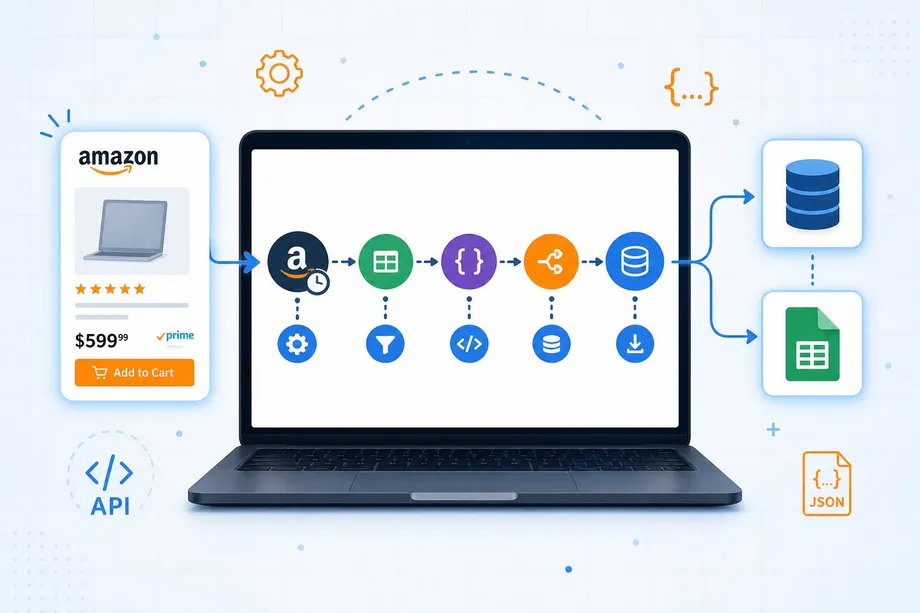
The core architecture is intentionally small: take a new snapshot, normalize the fields you care about, compare it with the previous snapshot, persist the new version, and publish an event only if a rule passes. A poller should use stable ASIN inputs, choose a cadence based on business urgency and credit planning, and tag every snapshot with its marketplace and address context. A state store can be a database table, a key-value service, or a carefully managed spreadsheet for a low-volume prototype.
- Select the watch list. Store ASIN, marketplace, preferred location profile, owner, and the alert policy for every product.
- Request a fresh snapshot. Call Detail for availability. Call Offer when your policy also evaluates active sellers or Buy Box ownership.
- Normalize fields. Convert source values into a compact record such as
availability_class,buy_box_seller_id,offer_count, andlocation_context. - Compare against the last stable observation. Do not compare a formatted message. Compare the normalized state fields that your policy explicitly owns.
- Apply policy and debounce checks. Confirm that the transition is actionable, that it has not already been sent, and that a minimum quiet period has passed.
- Persist then notify. Write the new state and event key before sending the message so retries do not create duplicates.
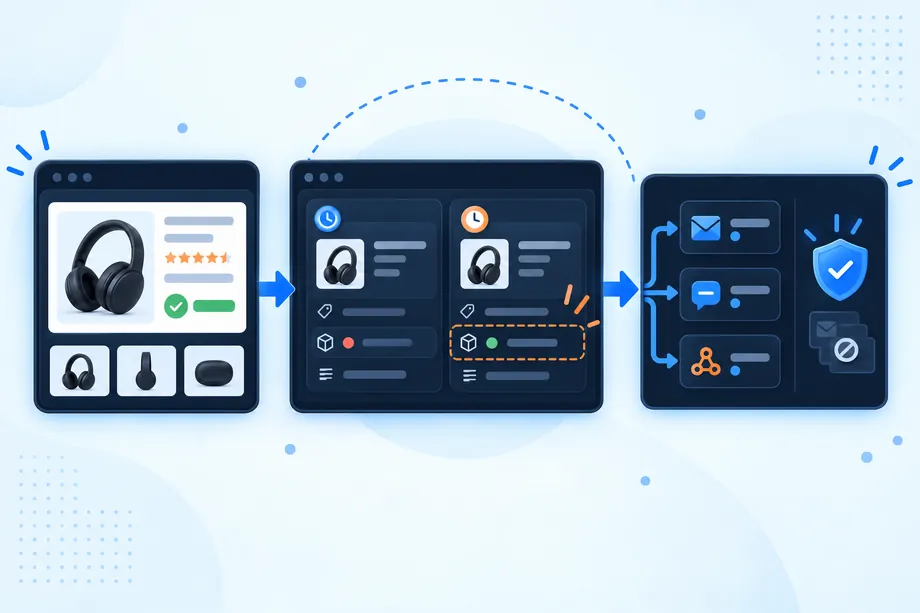
Example: Retrieve a Product Detail Snapshot
The following request uses the documented real-time endpoint and a Detail operation. In a real service, read the API key from a secret manager, validate the response, and keep only the normalized fields needed by your alert policy. The optional address_id is useful when availability should reflect a particular delivery area rather than a generic view.
import requests
API_KEY = "YOUR_API_KEY" # Get your key from app.easyparser.com
ASIN = "B0B7P81K6S"
params = {
"api_key": API_KEY,
"platform": "AMZ",
"operation": "DETAIL",
"asin": ASIN,
"domain": ".com",
"address_id": "YOUR_ADDRESS_ID"
}
response = requests.get("https://realtime.easyparser.com/v1/request", params=params)
snapshot = response.json()
availability = snapshot.get("stock")
print(f"Observed availability: {availability}")
Use Location and Marketplace Context Deliberately
Availability is not a universal field detached from the request. A delivery location can influence which offers, shipping options, and purchase conditions a customer sees. When the business question is geographic, create a named address profile and reuse it consistently. Record that profile with the snapshot so the monitoring team knows whether an apparent change came from the market or from a different request context.
Easyparser documents optional address, language, and currency inputs for product requests, and its documentation describes both real-time and bulk architectures. This is especially useful for buyers checking a target delivery area and for brands operating across multiple marketplaces. Do not compare a United States snapshot with a different marketplace or location and call the difference a restock event.
Alert Rules for Availability and Buy Box Changes
A mature amazon stock alert api policy separates detection from notification. Detection may report that a field changed. Notification should ask whether that change requires a person to act. For availability, a common rule is to alert only on a class transition from unavailable to available or from available to unavailable. For offers, alert on a changed Buy Box seller ID, a Buy Box suppression state, or a new seller that matches an approved watch condition.
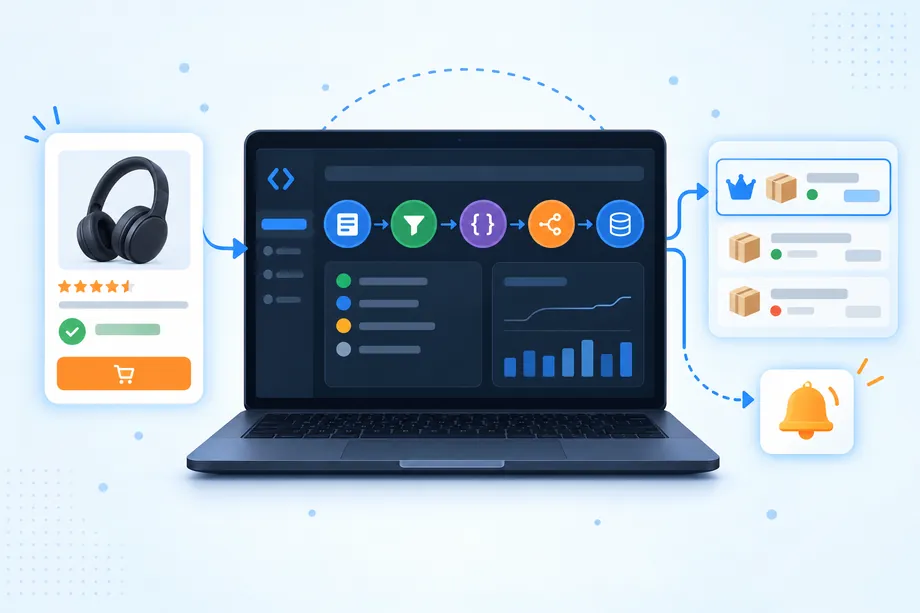
Route alerts by ownership. A seller operations team may receive Buy Box loss events for its own ASINs. A buyer may receive only restock events for a limited purchase list. A brand protection analyst may receive new active seller events without any price messages. The message should include the ASIN, marketplace, previous state, current state, timestamp, context profile, and a direct link to the internal investigation record. It should not pretend to explain why Amazon made a change when the snapshot only records that the state differs.
Example: Retrieve Offer Context for a Buy Box Rule
When a rule needs the current Buy Box owner or active sellers, query Offer using the same ASIN and context. Keep the comparison focused on stable identifiers such as seller ID and the Buy Box indicator. Human-readable seller names and formatted prices are useful in the final message, but they are weaker event keys.
import requests
API_KEY = "YOUR_API_KEY" # Get your key from app.easyparser.com
ASIN = "B005CWEQEW"
params = {
"api_key": API_KEY,
"platform": "AMZ",
"operation": "OFFER",
"asin": ASIN,
"domain": ".com"
}
response = requests.get("https://realtime.easyparser.com/v1/request", params=params)
offer_snapshot = response.json()
offers = offer_snapshot.get("offers", [])
print(f"Active offers observed: {len(offers)}")
Avoid Duplicate Notifications and False Positives
Duplicate alerts are the fastest way to teach a team to ignore a monitoring system. Use an event key built from the ASIN, marketplace, location profile, event type, previous normalized state, and current normalized state. Save that key with a sent timestamp. If the next poll generates the same key inside the quiet period, update the latest observation but do not send another message.
Add a second control for unstable transitions. For a critical restock or Buy Box alert, require the new state to appear in two consecutive polls before it reaches a wide distribution list. This confirmation rule increases alert latency, so reserve it for noisy listings or use it only after an initial observation is marked as tentative. Keep the original snapshot, the confirming snapshot, and the policy version for later review.
Use an explicit exception path for request failures. A timeout, malformed response, or temporary anti-bot issue is not the same as an out-of-stock event. Track technical failures separately, retry according to a bounded policy, and notify an engineering owner only when the monitoring coverage itself falls below the agreed threshold. That separation protects business alerts from infrastructure noise.
Choose Real-Time or Bulk Processing for Multiple ASINs
For a single urgent product or a user-triggered investigation, real-time requests keep the application flow simple. A dashboard can fetch a fresh Detail or Offer snapshot, compare it with stored state, and show the reason for an alert immediately. For a broad catalog scan, Bulk processing is a better operational fit because it allows a high-volume job to run in the background while the application receives and processes results as a batch.
An amazon stock alert api does not need one cadence for every ASIN. Divide the watch list into tiers. High-risk or campaign-critical ASINs can receive more frequent scans, while stable reference items can be checked less often. Revisit those tiers after reviewing how many true actions each category generates. The goal is a useful signal per credit and per human minute, not the maximum possible number of requests.
Operational Checklist Before You Turn On Alerts
- Define a stable ASIN watch list with marketplace, location context, owner, and policy version.
- Decide whether each rule needs Product Detail, Product Offer, or a sequential use of both.
- Normalize availability and Buy Box fields before comparing snapshots.
- Write idempotent event keys and a quiet period before connecting broad notification channels.
- Keep a review record containing previous state, current state, raw response reference, and timestamp.
- Test unavailable-to-available, available-to-unavailable, Buy Box change, and request-failure scenarios with a small pilot list.
- Review response ownership weekly so buyer, seller, and developer messages reach the people who can act.
Conclusion: Build Alerts Around Decisions, Not Refreshes
A well-designed amazon stock alert api gives teams a controlled way to notice product availability and Buy Box changes without turning every poll into a notification. Begin with a narrow ASIN list, keep marketplace and location context stable, and store normalized snapshots before sending a message. With Easyparser Product Detail and Offer data, sellers can protect critical listings, buyers can react to restocks, and developers can build an alerting service that stays useful as the watch list grows.
Start automating your Amazon workflows today
Start Your Free Trial100 free credits, no credit card required.