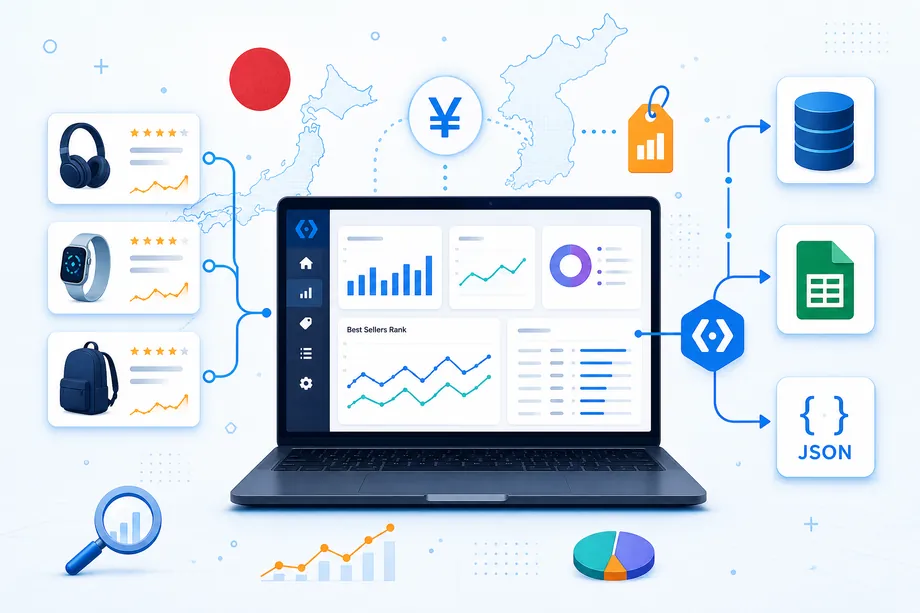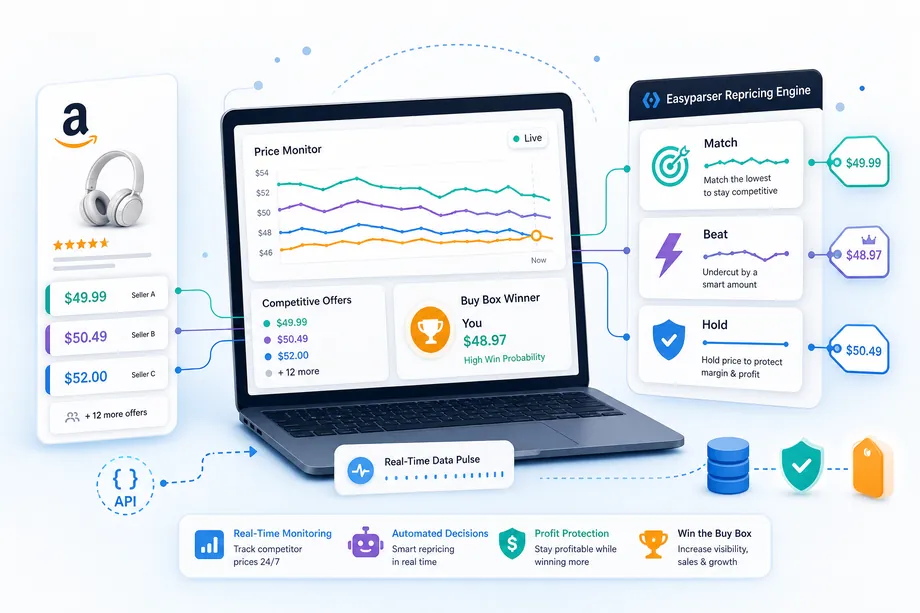
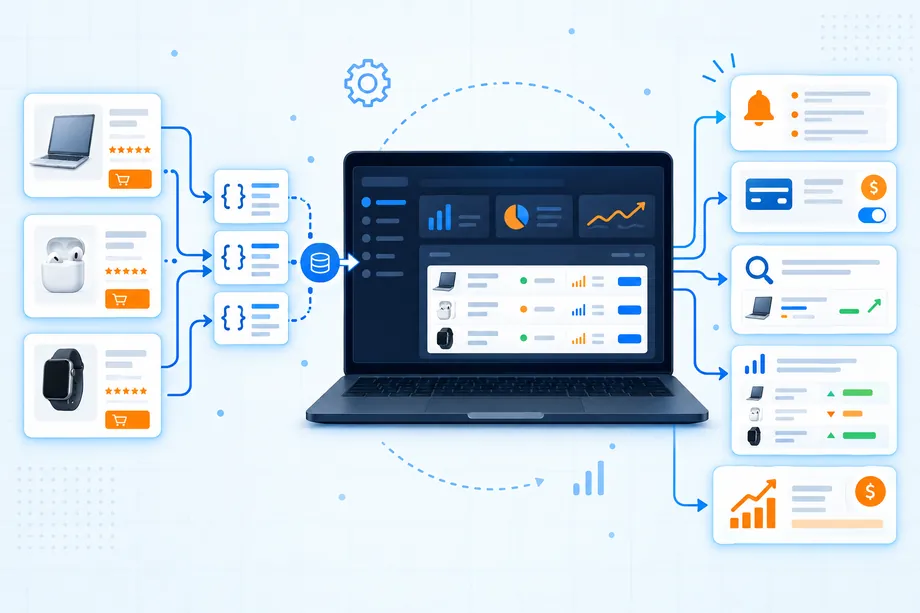
A developer can retrieve product, price, review, and seller records in minutes, then still struggle to explain why anyone should pay for the result. That gap is the real work of amazon data API monetization. An API is an ingredient. A paid seller app is a repeatable decision workflow that removes one expensive, slow, or uncertain job for a buyer or a seller.
Consider two people who both open the same Amazon listing. A wholesale buyer asks whether the supplier and current offer environment deserve a deeper check. A brand seller asks whether a new offer changed the Buy Box risk or breached an internal price rule. Neither person wants a wall of JSON. Each wants a fast, defensible next step, the relevant evidence, and a record that can be revisited later.
Why Amazon Data API Monetization Starts with a Buyer Job
The workable version of amazon data API monetization begins with a user job that happens often enough to matter. A customer does not buy a dashboard because it contains many fields. They buy a shorter path from a question to an action. Your application should name that path in plain language: compare active offers, prepare a supplier vetting brief, spot a listing change, or turn a product list into a watchlist.
Start with the decision boundary. Public marketplace evidence can support research about listings, offers, prices, availability, and visible seller signals. It should not pretend to access a merchant's private orders, inventory, advertising account, or profit margin. If your future product needs authorized Seller Central data or account actions, treat that as a separate integration and compliance design problem. The first customer-facing version is often stronger when it remains read-only and specific.
| Question to answer | Weak product idea | Useful first product |
|---|---|---|
| What changed today? | Universal Amazon dashboard | Daily offer-change summary for a defined watchlist |
| Is this product worth reviewing? | Raw product-data export | Buyer-ready sourcing brief with missing-data flags |
| Who is competing on this ASIN? | Seller table without context | Offer comparison that separates price, shipping, fulfillment, and seller signals |
| What needs attention first? | Unlimited alerts | Prioritized exception queue with a stated review reason |
This approach protects both sides of the marketplace. Buyers get a research artifact that clarifies what to verify with a supplier. Sellers get a monitoring artifact that identifies a public change before they decide whether a human review is needed. The app adds value by organizing the next step, not by claiming it can predict outcomes from one snapshot.
Pick One Seller Problem to Solve
Choose a narrow audience and a narrow moment of need. A useful first sentence has this shape: when a specific user sees a specific trigger, the app produces one decision-ready output. That sentence is more valuable than a long feature list because it tells you which fields to collect, what the screen should show, and what not to build yet.
| User | Trigger | Decision-ready output |
|---|---|---|
| Wholesale buyer | A supplier sends a list of candidate products | A structured vetting brief that identifies product, offer, and catalog questions to verify |
| Online arbitrage buyer | A possible sourcing match is found | A quick price, offer, availability, and fulfillment review record |
| Brand seller | An unfamiliar offer appears | An exception report with current offer facts and a human-review checklist |
| Marketplace seller | A tracked listing changes | A clear alert that explains what changed and when it was captured |
Ask five potential users about their most recent version of that job. Do not ask whether they like the idea. Ask what triggered the work, where they gathered data, which fields were confusing, what decision they made, and what delay cost them. If the answer varies wildly, the problem is still too broad. If the story repeats, you have the raw material for a first paid workflow.
Choose the Data Your App Actually Needs
Data selection should begin with the output, not with an endpoint menu. For a listing-quality or product-screening report, the Product Detail API can provide a structured current listing record from an ASIN or product URL. For competitive review, the Product Offer API is a more natural fit because the user needs the active offer environment rather than just a headline price.
Define a small data contract for each workflow. A supplier-vetting app may require marketplace, ASIN, title, brand, availability, offer range, seller count, capture time, and a place for the buyer's own supplier notes. A seller-monitoring app may require watched ASIN, previous observation, current offer facts, fulfillment mix, and a rule explaining why the result entered the review queue. Each contract should have three states: observed, inferred by a stated rule, and unknown.
Build the smallest reliable record first
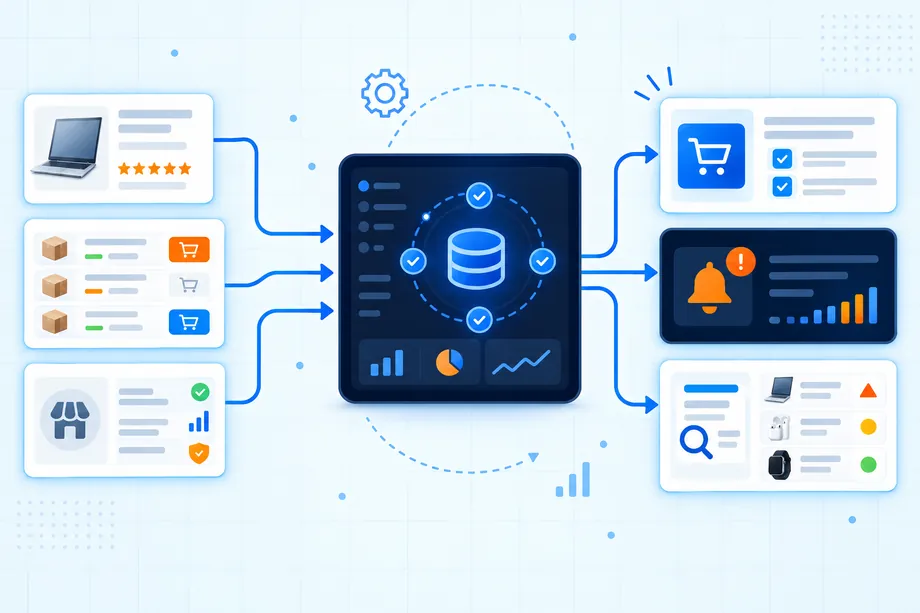
Keep the initial request and response deliberately small. A customer trusts an app more when it states what it checked, which marketplace it used, and when the record was captured. It also makes support easier because you can reproduce a result from the saved input, timestamp, response identifier, and app rule. The application can grow later, but the first release should be auditable before it is expansive.
The following request pattern is enough for a first product-detail workflow. In production, keep the token server-side, validate the ASIN and marketplace before calling the endpoint, and store only the fields your customer-facing report needs.
import requests
API_KEY = YOUR_API_KEY
ASIN = B0CJB6V2L5
params = {
api_key: API_KEY,
platform: AMZ,
operation: DETAIL,
asin: ASIN,
domain: .com
}
response = requests.get(https://realtime.easyparser.com/v1/request, params=params)
record = response.json()
print(record)
Turn Data into a Report, Alert, or Dashboard
Raw responses become product value only after the app makes them usable for one role. For amazon data API monetization, the important design question is not how many widgets fit on a dashboard. It is what a customer does after reading the screen. A report should end with a review checklist. An alert should explain the signal, the comparison baseline, and the capture time. A dashboard should lead to a prioritized queue rather than hide the important change behind filters.
A buyer report can group product identity, offer conditions, and supplier questions into a compact document. A seller alert can compare the current offer set with the last successful capture, then state whether price, availability, fulfillment, or Buy Box context changed. In both cases, use cautious language. A new seller can be a normal marketplace event, and an attractive price can be a clue to investigate rather than a buying recommendation.
Use real-time and bulk modes for different moments
Real-time collection fits an interactive check where a customer asks about one known product and expects an answer now. Bulk processing fits scheduled scans across a watchlist, a catalog refresh, or a recurring comparison that can complete asynchronously. Keep the displayed data model consistent across both paths, but label the collection mode and time clearly. That distinction prevents a customer from mistaking an earlier batch result for an immediate observation.
| Product moment | Collection pattern | Customer value |
|---|---|---|
| One active sourcing review | Real-time detail or offer lookup | Fast current evidence for a human decision |
| Daily competitor monitoring | Scheduled bulk collection | Comparable snapshots and focused exceptions |
| Large supplier file cleanup | Bulk enrichment with validation | Less manual matching before deeper review |
| Customer support question | Real-time lookup with stored result | Clear facts that can be explained and revisited |
Four Paid Amazon Seller App Ideas
Do not launch four products at once. Use these ideas to identify a single first workflow, then choose the one closest to your existing data, technical skill, and customer access. Each idea works because it produces a clear output for a buyer or seller rather than presenting data as the finished service.
| App idea | Primary user | Data-to-value flow | Boundary to state clearly |
|---|---|---|---|
| Price and offer watchlist | Seller | Tracked ASINs become change alerts and a review queue | It observes public offers; it does not make repricing decisions automatically |
| Review defect brief | Seller | Listing and review signals become a human content or quality-review task | It highlights patterns; it does not prove cause or create a fix |
| Competitor launch tracker | Seller | Search and listing records become a focused launch-watch report | It identifies visible market changes; it does not reveal private sales data |
| Supplier vetting workspace | Buyer | Supplier identifiers become product, offer, and verification checklists | It supports diligence; it does not guarantee sourcing viability |
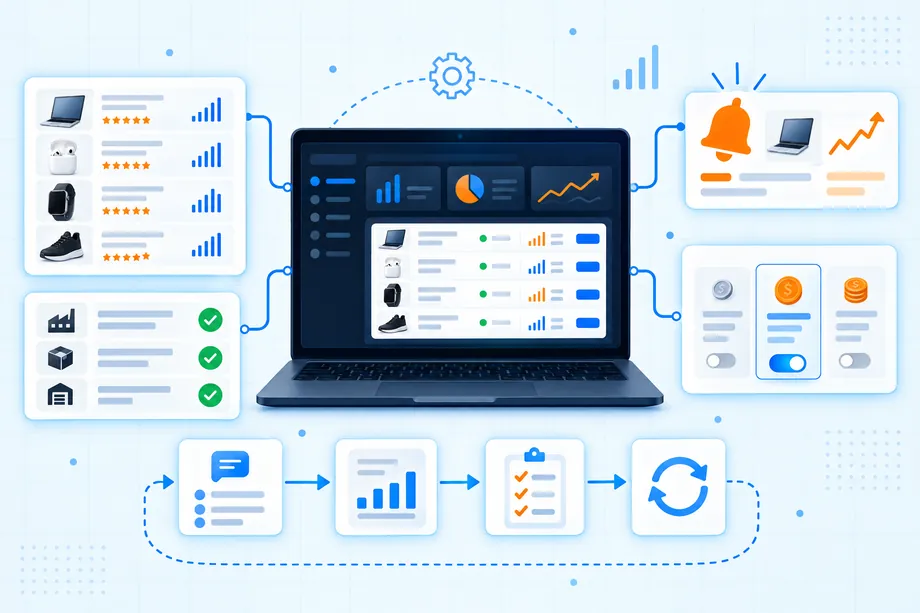
The buyer and seller split is useful because it stops feature drift. A seller-facing price alert needs watchlists, baselines, and notification settings. A buyer-facing vetting workspace needs identifiers, evidence fields, notes, and a handoff-ready summary. One shared data layer can support both, but the customer-facing problem and wording should remain distinct.
Define a Clear Pricing Model
Treat amazon data API monetization as a pricing-design exercise as much as a technical one. The price should connect to the unit of customer value that the app delivers, not simply mirror the number of API calls behind the scenes. A plan built around tracked products, completed reports, monitored sellers, or alert runs is easier for a customer to understand than a plan built around hidden infrastructure terms.
Start with one paid package and one optional higher-usage tier. Include a stated scope, an overage rule or review step, and a visible explanation of what happens when a job cannot return a complete record. Model your internal cost from data retrieval, storage, notifications, support, and payment processing, then test the offer with real people before expanding the pricing page. Use the Easyparser pricing page to understand the data-access side of your own cost model, but do not assume data cost alone determines what customers will pay.
| Pricing basis | Best fit | Watch for |
|---|---|---|
| Tracked products | Monitoring apps with recurring scans | Different scan frequencies can create unequal costs |
| Completed reports | Buyer briefs and sourcing reviews | Define what counts as a completed, usable report |
| Monitored sellers | Brand and seller-intelligence tools | Explain how seller changes and duplicates are handled |
| Team workspace | Collaborative review tools | Separate user seats from data volume when necessary |
Publish a Customer-Facing Listing
Your product page should say who the app helps, what input it needs, what output it produces, how fresh the displayed data is, and what the app does not do. A precise listing earns more trust than a promise to optimize every aspect of Amazon selling. Show a representative report or alert with clearly labeled example data. Use a narrow onboarding form that asks only for the marketplace, ASINs or identifiers, objective, and delivery preference needed for the first workflow.
Build the first version so it can be demonstrated without a long setup call. A customer should be able to see the input, understand the processing status, inspect the result, and know what action the report supports. If you publish a public tool that works with private merchant account data, review the applicable authorization, security, and app-distribution requirements before accepting credentials. Keep customer data access separate from public marketplace-research features in the interface and in your privacy explanation.
Build Trust with Reviews and FAQs
Trust is part of the product, especially when the app informs sourcing, pricing, or competitor decisions. Explain the data boundary in simple terms. State that records reflect a captured public marketplace view, identify the marketplace and timestamp, and distinguish a missing field from a negative finding. Let a customer inspect the underlying inputs and result identifiers when practical. Those details help a buyer defend a review and help a seller understand why an alert was raised.
Collect feedback around the workflow, not vague satisfaction. Ask whether the report answered the original question, which field was missing, whether the alert arrived at the right time, and whether the user understood the next step. Turn repeated objections into plain-language FAQ answers. A credible review section also acknowledges limits: public marketplace data is evidence for investigation, not a guarantee of sales, authorization, authenticity, margin, or future price.
Validate the First Customer Workflow
Validate with a small paid or time-boxed pilot before you invest in a broad dashboard. Select one marketplace, one persona, and a small watchlist or supplier file. Run the workflow with five to ten real items, record the output, and review it with the user. The aim is to discover whether the app changes a real decision, not to create a polished demo that cannot survive imperfect inputs.
- Set a success question: For example, did the buyer identify what to verify next, or did the seller notice a meaningful public-offer change?
- Capture the baseline: Save the original user question, item list, marketplace, and current workflow time.
- Deliver one artifact: Produce the report, alert, or review queue that the customer would actually use.
- Review exceptions: Include missing fields, changed listings, and failed requests rather than hiding them.
- Ask for commitment: Test whether the user will return, invite a teammate, or pay for the next recurring run.
Amazon data API monetization is strongest when a developer can point to one customer job, one defensible artifact, and one observable reason that the next run is worth paying for. Start with the smallest workflow that turns structured marketplace data into a clearer decision. Then use customer evidence, not feature pressure, to decide what to build next.
Start scaling your e-commerce business today
Start Your Free Trial100 free credits, no credit card required.