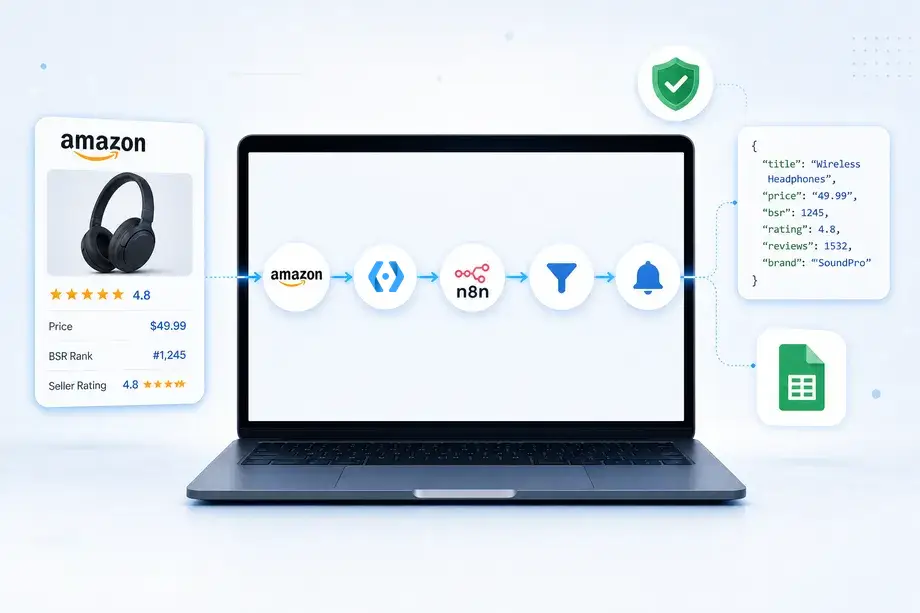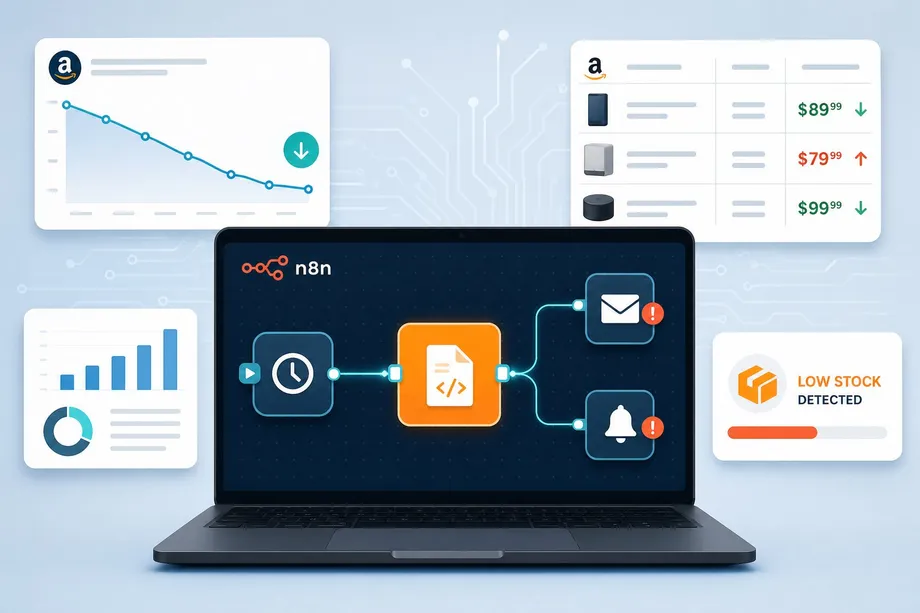
For e-commerce sellers, dropshippers, and arbitrage professionals, tracking competitor pricing is a constant battle. Checking Amazon listings manually is not just tedious; it results in significant operational losses when you fail to react to a competitor's price drop in time. While many attempt to build their own DIY scraping solutions, they quickly run into roadblocks: Amazon's sophisticated anti-bot systems, frequent IP blocks, unexpected HTML structure changes, and relentless CAPTCHAs make maintaining a custom scraper a full-time job.
The solution? An automated, zero-maintenance amazon price alert system. By combining n8n's powerful workflow automation with the Easyparser Product Offer API, you can build a robust, real-time price monitoring engine that never gets blocked. This guide will walk you through setting up a complete n8n workflow to track Amazon prices, detect changes, and send instant alerts via Email, Slack, or Telegram.
Why DIY Amazon Scraping Fails for Price Tracking
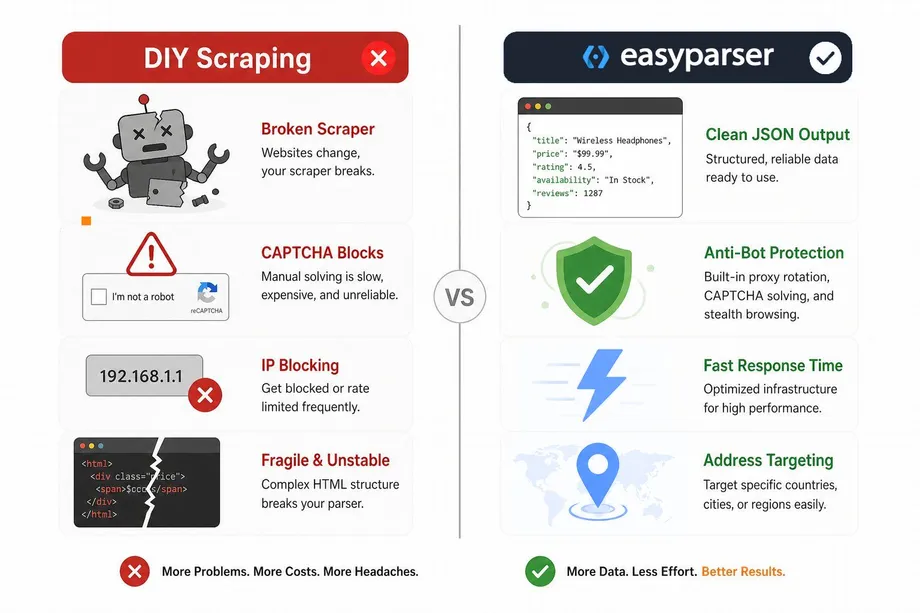
When building an amazon price monitoring workflow, the initial instinct for many developers is to write a Python script using BeautifulSoup or Puppeteer. However, Amazon's architecture is designed to prevent exactly this. Here is why DIY scraping falls short for reliable price tracking:
- Aggressive Anti-Bot Systems: Amazon uses advanced fingerprinting and behavioral analysis to detect automated traffic, leading to immediate IP bans.
- Dynamic HTML Structures: The DOM of an Amazon product page changes frequently. A selector that works today might break tomorrow, causing your amazon automation n8n workflow to fail silently.
- CAPTCHA Challenges: Frequent requests from the same IP range will inevitably trigger CAPTCHAs, completely halting your automated price checks.
- Geographic Pricing Variations: Prices often change based on the delivery location. A scraper running on a US server might see a different price than a local customer in the UK.
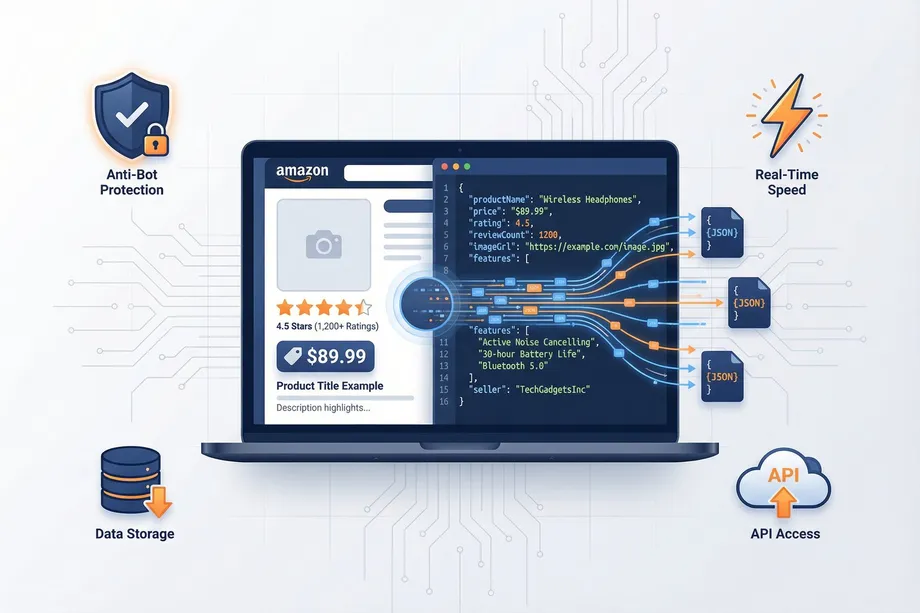
Instead of fighting Amazon's defenses, the modern approach uses a structured data API like Easyparser. It handles the proxy rotation, CAPTCHA solving, and HTML parsing, returning clean JSON data that integrates perfectly into an n8n easyparser integration.
The Easyparser Product Offer API Advantage
To build a reliable real-time amazon price tracking system, you need access to the full competitive landscape, not just the Buy Box price. The Easyparser Product Offer API provides comprehensive visibility into every active seller's pricing, shipping costs, and fulfillment methods (FBA/FBM).
This API allows you to extract all offers for a specific ASIN in real-time. By feeding this data into your n8n price alert workflow, you can set up sophisticated logic - for example, alerting you only when an FBA seller drops their price below your defined threshold, ignoring FBM sellers with long shipping times.
The Power of Address Targeting
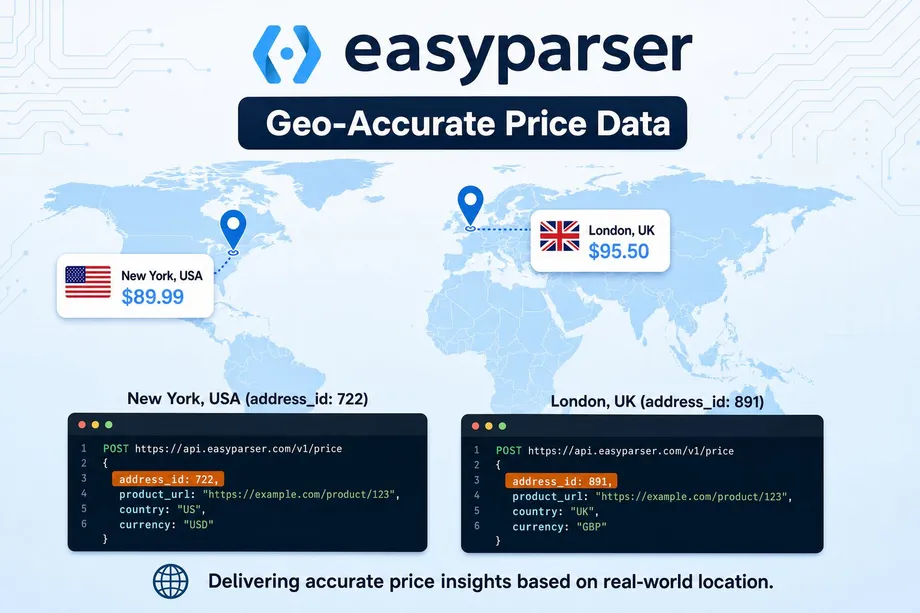
One of Easyparser's key differentiators - often missing in competitor APIs - is Address Targeting. Amazon frequently displays different prices, shipping costs, and even seller availability based on the buyer's delivery ZIP code. Easyparser allows you to define custom delivery addresses (e.g., a specific ZIP code in New York or London) and pass the unique address_id in your API request.
This ensures your amazon price monitoring reflects exactly what your target customers are seeing, providing hyper-accurate competitive intelligence for your pricing strategy.
Building the n8n Price Alert Workflow
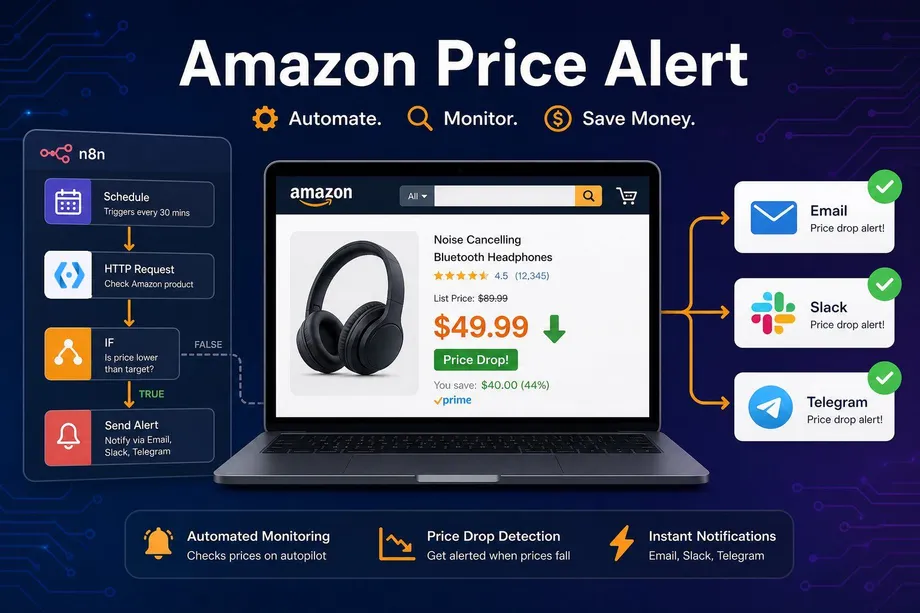
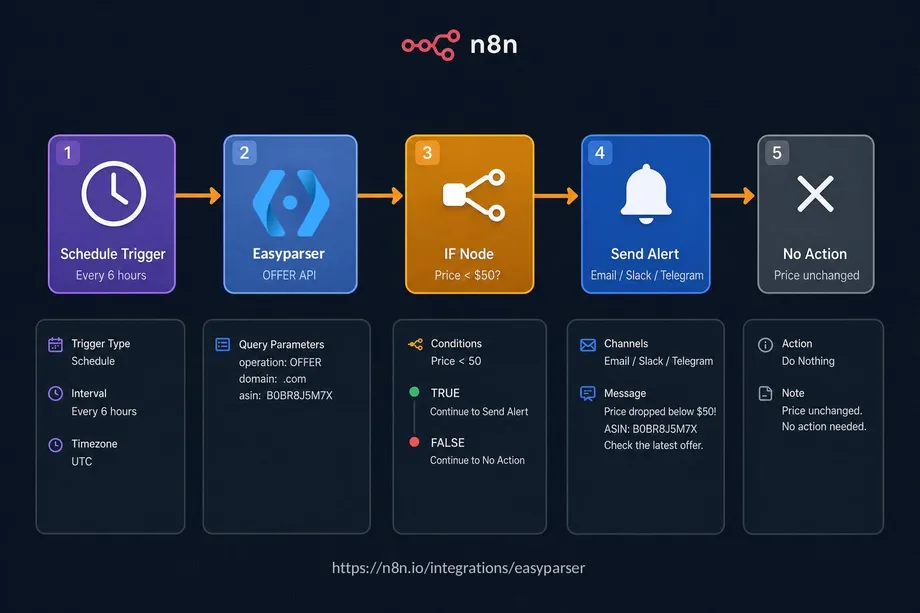
Now, let's build the actual amazon price alert workflow in n8n. The architecture is straightforward but highly effective: it runs on a schedule, fetches the latest price, compares it against a threshold, and sends an alert if necessary.
Workflow Architecture Overview
- Schedule Trigger (Cron): Initiates the workflow at regular intervals (e.g., every 6 hours).
- Easyparser Node (Product Offers): n8n has a verified, native Easyparser node. You simply select it from the node panel, choose the "Product Offers" operation, enter your ASIN and domain, and connect your API credentials - no manual URL or header configuration needed.
- IF Node: Compares the extracted current price against your predefined target price or threshold.
- Alert Node: Sends a notification via Email, Slack, or Telegram if the condition is met.
Step-by-Step Implementation
First, set up your Schedule Trigger to run at your desired frequency. Next, add the Easyparser node from the n8n node library - search for "Easyparser" and it will appear as a verified community node. Select the Product Offers operation, enter your ASIN and domain, and connect your Easyparser API credentials. You will need your API key from the Easyparser dashboard.
The following Python snippet shows the equivalent API call to help you understand what the Easyparser node executes under the hood:
import requests
API_KEY = "YOUR_API_KEY" # Get your key from app.easyparser.com
ASIN = "B0BR8J5M7X"
params = {
"api_key": API_KEY,
"platform": "AMZ",
"operation": "OFFER",
"asin": ASIN,
"domain": ".com"
}
response = requests.get("https://realtime.easyparser.com/v1/request", params=params)
data = response.json()
offers = data.get("offers", [])
if offers:
lowest_price = offers[0].get("price")
print(f"Lowest Offer Price: ${lowest_price}")
In n8n, the native Easyparser node handles all of this automatically. Once you select the Product Offers operation in the node settings, you simply fill in the ASIN and domain fields via the UI. If you are using Address Targeting, the node also exposes an address_id field so you can target a specific ZIP code without any manual configuration.
After fetching the data, use an IF node to evaluate the price. For instance, set the condition to check if the extracted price is less than or equal to $50. If true, route the workflow to your preferred notification node, such as Slack or Send Email, formatting the message to include the product name, new price, and a direct link to the Amazon listing.
Scaling Your Amazon Price Monitoring
Once your basic amazon price alert is running, you can scale this n8n easyparser integration significantly. Instead of hardcoding a single ASIN, you can connect a Google Sheets node at the start of your workflow to pull a list of hundreds of competitor ASINs.
The workflow can then loop through each product, check the current price via the Easyparser node, compare it against historical data stored in your database or spreadsheet, and alert you only when a significant price drop occurs. This transforms a simple alert into a comprehensive competitive intelligence dashboard, fully automated and maintenance-free.
By leveraging Easyparser's Amazon Scraping API, you eliminate the headaches of proxy management and CAPTCHAs, allowing you to focus entirely on pricing strategy and revenue growth.
Start automating your Amazon workflows today
Start Your Free Trial100 free credits, no credit card required.